
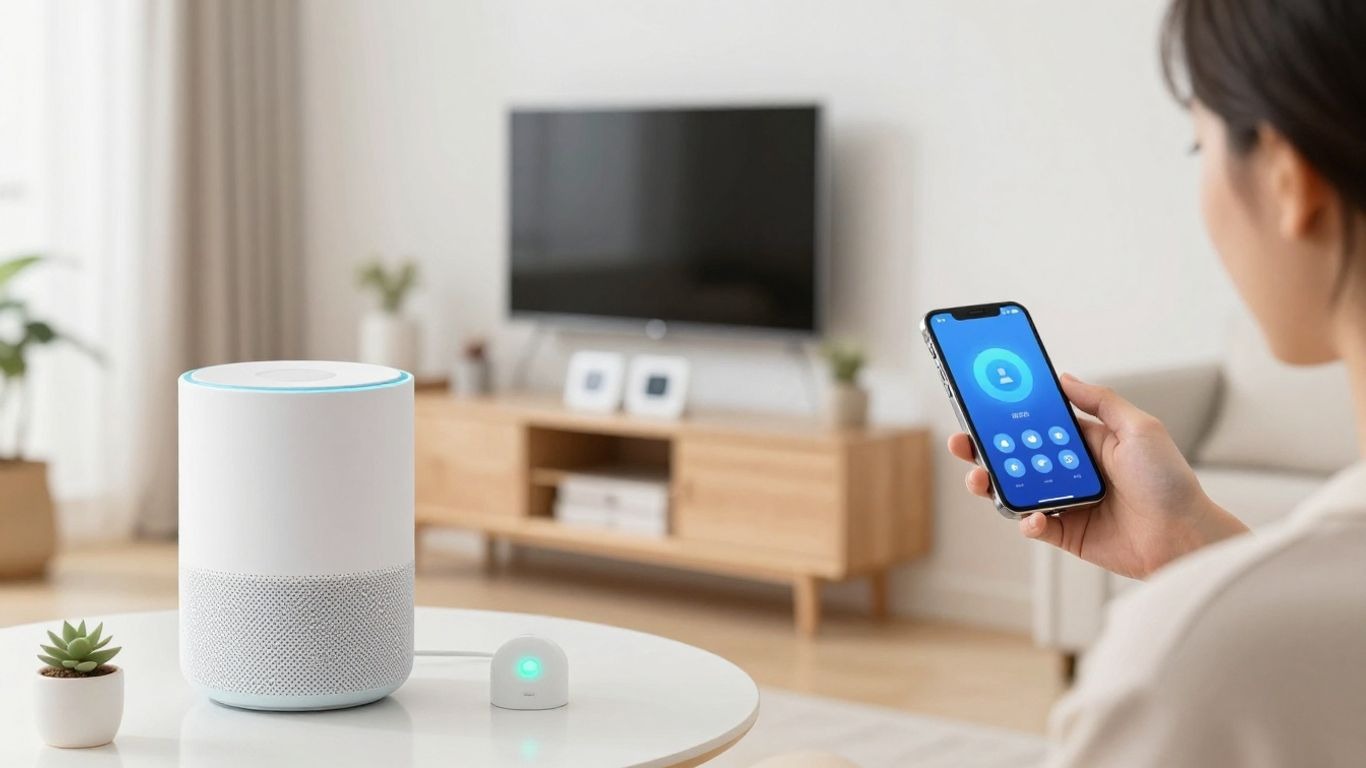
How to Set Up a Smart Home? (2026 Beginner’s Guide)
I’ve been thinking a lot lately about making my home a bit smarter. You know, the kind of place where the lights know when to turn on, and the temperature just feels right without me touching anything. It sounds fancy, but honestly, it feels more like a way to make daily life simpler.
If you’re like me and think smart homes are just for tech wizards, think again! This guide is all about how to set up a smart home in 2026, even if you’re starting from scratch. We’ll break it down so it’s easy to understand and actually do.
Key Takeaways
- A smart home connects internet-enabled devices to automate tasks, improve comfort, and boost security.
- Start by figuring out your goals – convenience, energy saving, or peace of mind – to guide your device choices.
- Strong Wi-Fi is the foundation; check your network’s strength before adding devices.
- Choose an ecosystem (like Google Home, Amazon Alexa, or Apple HomeKit) to ensure your devices work together smoothly.
- Begin with a few key devices and gradually expand your smart home setup as your needs and budget allow.
What is a Smart Home and Why You Need One
The question is, what is a smart home? In essence, it is a home that connects ordinary objects to the Internet. Imagine this for your lights, your thermostat, perhaps even your coffee maker, all connected and capable of being controlled from across the room or set to automatically react to certain scenarios as they happen. You could learn the trends of an interesting home design, it must not be a house full of highly advanced devices with just pressing 100 buttons that you should have one, it’s all about making your existing house into a more usable, efficient space, and easier to live in, almost like a friend.
I recall when the idea first started appearing, it seemed like something out of a science fiction movie. Now, it’s becoming pretty standard. Well, the market for this stuff is gigantic, and only growing. These things are not being purchased simply because they’re fun or cool; they’re being purchased because they legitimately make life simpler.
You know, the ones you can control with your voice or just a quick tap on your phone, so you no longer have to fumble to find light switches in the dark and get up to change the temperature of the air. It’s about making devices talk to one another so that you won’t have to babysit every single freaking thing.
Why would I want one? Well, there are a few big reasons.
- Convenience: This is a big one. Your lights switch on as soon as you walk through the door, or you can request your speaker to play your favourite song and voilà. It simplifies daily routines.
- Cost-Effectiveness and Efficiency: Smart devices can save you energy and, consequently, money. Smart thermostats, for instance, learn your habits and will lower the temperature when you’re gone so that you are not heating or cooling an empty house. Smart plugs can turn off devices that are not in use.
- The second, which is also a great advantage, is security and peace of mind. You can get smart cameras that allow you to check in on your home from anywhere, or smart locks that will notify you if someone attempts to break in. It means having a sense of security regardless of whether you are home or not.
However, it seems many people remain today under the impression that building a smart home somehow requires you to be some sort of technology wizard, and that’s absolutely not the case. It should help make your home function for you, not an elaborate system you’re too confused by to navigate. We will go through how you can start getting started without overwhelming yourself.
Just because you start with something doesn’t mean you’re replacing it all at the same time. Starting with a few devices and just growing from there. This is about designing something that works with your life and within your financial means. So, for example, if you were planning on purchasing a new sewing machine, you’d want to verify that it suited your needs and level as a sewer, which is the same concept when it comes to smart home tech.
Devices that are extremely usable and provide some value for you. Plus, having a good way to transport your gear, like a sturdy sewing machine case, is always a good idea for any hobby, and it’s similar to how you’ll want to think about organizing your smart home setup later on.
You could learn the trends of an interesting home design, just like exploring small apartment ideas to make your space more efficient and modern.
Getting Started: Essential Smart Home Components
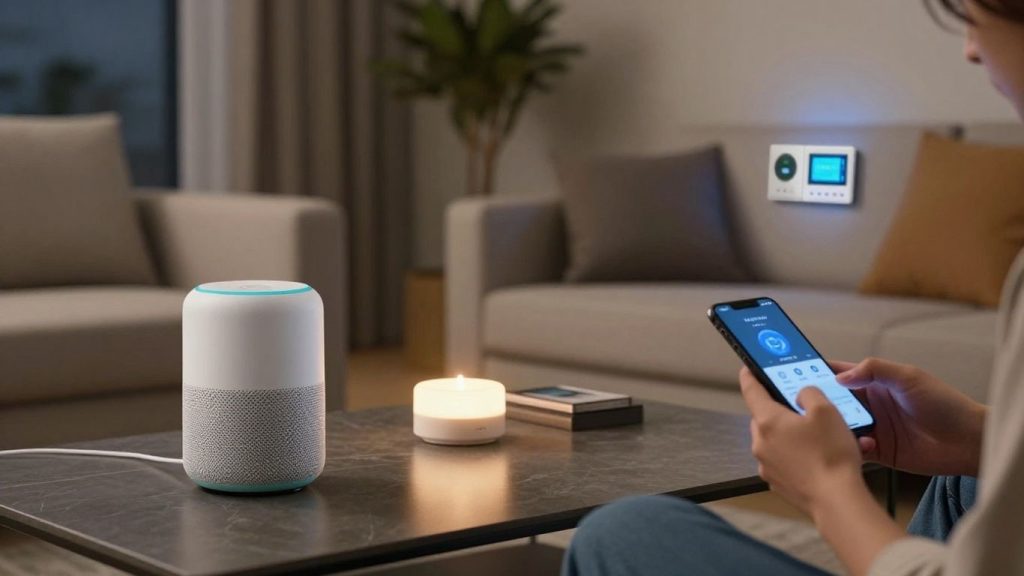
Back some years ago, when I started to think about making my home “intelligent”, I was overwhelmed. Let us check the count of gadgets out there! But in fact, getting started with home automation isn’t that challenging. It is less about trying to automate every single thing in your life and more about finding a few simple things that genuinely help you.
This is where I settled into, focused on the big stuff that gives you a lot of bang for your buck, and is easy for a beginner smart home installation.
Getting started isn’t that complicated. It’s similar to learning a new skill, just like following a guide on how to learn sewing where you start small and build confidence.
Smart Hubs: The Brains of Your Smart Home
A smart hub is like your connected devices’ command center. Few devices could communicate directly over your Wi-Fi; a hub is often necessary for more consistent and reliable functioning, and it creates compatibility among different communication standards like Zigbee or Z-Wave.
It’s like a translator for all of your devices. Starting with a hub can facilitate future installs, so for an easy smart home setup guide, you might consider it.
Smart Speakers: Voice Control and Entertainment
This is likely the most common entry point for many, and rightly so. I like the ability to simply say what I need, when it comes to weather, music, or a timer, and not having to lift a finger. These double as a speaker for music and podcasts, beyond executing voice commands. They are ideal for putting into place to introduce the world of smart appliances, and add a pinch of magic to your routine.
If you enjoy tech for daily convenience, you might also like tools such as best portable chargers for travel that keep your devices powered on the go.
Smart Lighting: Ambiance and Energy Savings
This is something I immediately tried my hand at. Controlling lights by voice, setting timers on my phone, good stuff. You can have a room with a very different mood in seconds, or you can simply ensure no lights are left on when you’re away from home.
It’s a pretty darn gratifying DIY smart home project and an easy way to make a big impact! It’s also good to save a little; the energy savings have a cumulative effect.
To enhance your home’s overall vibe, combining lighting with ideas like window treatment ideas can completely transform a space.
Smart Thermostats: Comfort and Efficiency
It’s amazing what the ability to set the temperature from my phone without even being home, or for it to learn my schedule, can do for comfort and costs. That is not just being lazy: it is making sure your house is cozy when you want it to be, and that the energy does not get consumed when you do not need it. This is a good move for beginners moving into smart home automation to save on utility bills.
You can also explore related energy-efficient appliances like in this comparison: air fryer vs convection oven.
Smart Security: Cameras, Locks, and Sensors
Here we are offering you peace of mind. A video doorbell that tells you who is at the front, a smart lock that lets you allow your friend to access for a short time, or motion sensors alerting whenever something unusual happens, these devices would add another protection level. Linking smart home devices in this space can really provide you with peace of mind, whether you’re at home or elsewhere. A good way to discover connected living.
Doing it all at once is easier said than done, so starting with one or two of these components is much more manageable. You can then gradually add more units as you feel ready to plug in smart home devices, and know what other devices might follow.
When, for instance, I went with the smart lights in my living room to accompany a smart speaker. I added a smart thermostat once I was comfortable doing it. This felt like a logical step and not too much tech for my non-techy self. It really has to do with slowly building out and making your smart home work for you.
These are a great way to begin getting started with smart devices, and some good starter kits get you a few of these items in one hit. It simplifies the entire experience of beginner smart home setup, making it seem much more inviting.
Choosing Your Smart Home Ecosystem
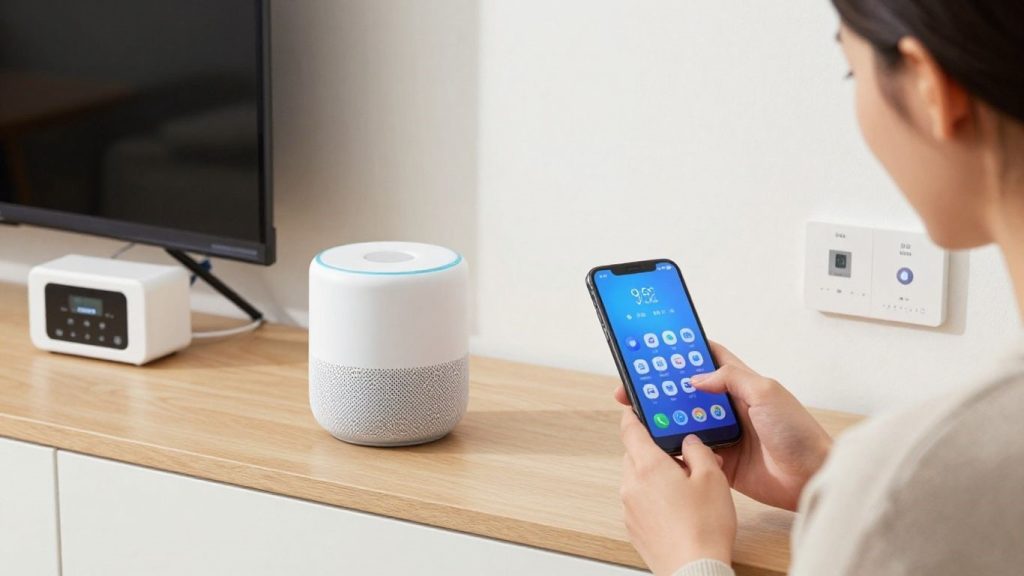
Alright, I went through some of the items in an earlier post that were able to tempt me (top of the range), but time for assessing if they can fit in & rub along. So it’s like trying to throw a party when everyone speaks a different language; you are just going to get madness.
And that is where the smart home ecosystem comes in; it is basically like a universal language, allowing all your devices to talk to each other without hassle.
Think of it like making sure everything works together, similar to how different tools in a sewing kit for beginners are designed to complement each other.
Compatibility is Key: Understanding Protocols (Wi-Fi, Zigbee, Z-Wave)
And before I get to considering what brand to go with, I need to figure out how these freaking devices communicate. There are a few fundamental methods for achieving this, referred to as protocols. You’ve got Wi-fi, as if that is something that is uncommon, most of us use it for our internet. Next up are Zigbee and Z-Wave. They are basically special radio waves designed just for smart home stuff.
They’re typically more dependable for gadgets and require less energy than Wi-Fi, which is a major benefit for battery-powered devices. The big thing to look out for is ensuring the devices I purchase support at least some common protocols, or at least can have protocols translated into something the hub can read itself.
Sort of like how you never realize your phone charger works with an iPhone until you go buy a new Android phone, hence all of this awesome stuff, but nothing plugs into anything.
Popular Ecosystems: Google Home, Amazon Alexa, Apple HomeKit
I began my search, and searching, I found three big players in the market: Google Home, Amazon Alexa, and Apple HomeKit. What happens is that each one comes with its unique voice assistant and app (that performs the role of central control for everything).
- Google Home: You are already highly embedded in the Android Universe. It seems just natural that Google Home should follow next in a domino line, so to speak. Includes one that responds to voice commands really quickly and has an app with nearly no learning curve to manage my smart home. It is a great option for convenience.
- Amazon Alexa: You cannot discuss smart home without mentioning Amazon Alexa, which is a big player and for good reasons, it has simply way too many “skills”(if you think of apps for your smart home). Moreover, Amazon tends to offer especially low-cost smart speakers, which is quite a selling point. And that, of course, is easy to control from my phone.
- Apple HomeKit: OK, but what if privacy is my #1 priority? I’d probably go to HomeKit. It boasts one of the highest levels of security and is extremely compatible with Apple gadgets. It maybe doesn’t support as many gadgets as others, but security to me is a huge one.
Selecting an ecosystem is not a permanent choice, and most devices work with multiple. But choosing one to begin with can prevent loads of avoidable headaches and costs afterwards. It concerns a global experience and not a hodgepodge of apps.
In the end, I just want things to work together without my constant messing around with settings. I want my home to be intelligent, not just in gear. The goal is to make my life that much easier each day. This might be a good time to do so, since I’ve been doing some research into smart lighting solutions, which can set the mood that may or may not work with whichever system I finally decide to go with.
Step-by-Step Setup Guide to Set Up a Smart Home
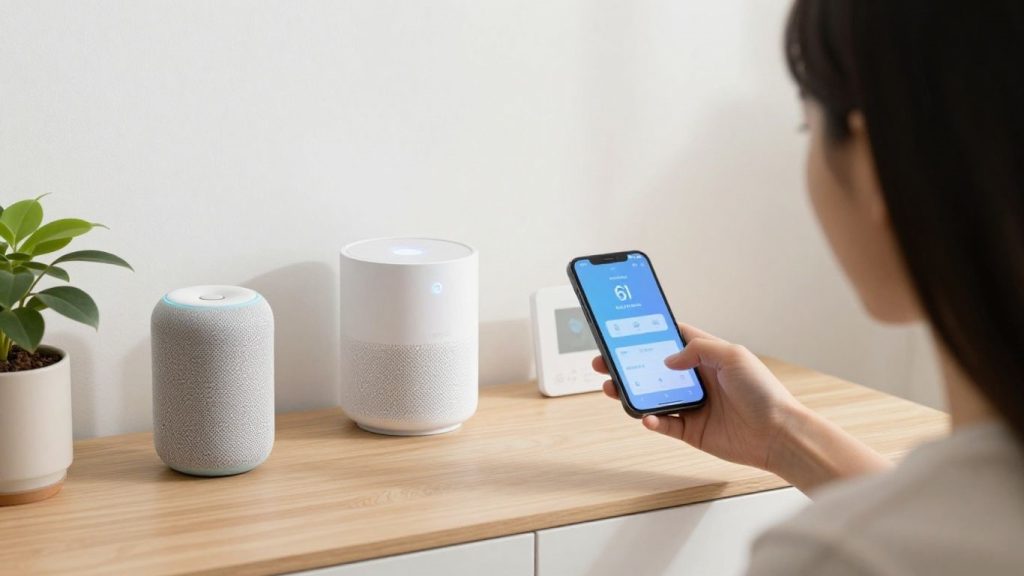
So if you want to actually set up this smart home, come on, let go. Honestly, it sounds more complicated than it is. What I discovered, however, was that it was actually pretty simple if you break it down into a few steps.
That said, the first thing you have to do is prepare your network. As far as your Wi-Fi router goes, place it in the best spot, preferably a central location in your home. In larger homes, take a look at a meshed system so you are not left with dead zones. Also, for real, set a solid password on your Wi-Fi. It is your first line of defense against all your connected devices.
I usually start with some form of hub or smart speaker. This is sort of like the ground station. For me, it was like choosing between Google Home, Amazon Echo, or Apple Home Hub–and something just felt most right with [Chosen Ecosystem – e.g., Google Home] compatible devices. When that’s all settled down, you can slowly start adding things to the flurry.
Here’s a general order I tend to follow:
- Smart Speaker / Hub: Plug this into the wall, connect to Wi-Fi, and set it up with its app.
- Smart Light: Start with a few bulbs or plugs. They are generally quite simple to add through the app of the hub.
- Well-indicating Smart Thermostat: This usually requires a bit more wiring, so this is where you may want to bring in help if you’re not willing to do any more of it.
- Smart Security. Move on to Door Cameras/Sensors + Smart Locks. Make sure to stick closely to the app for these.
Once you have a handful of devices set up, I really recommend creating some simple routines. For example, a “Good Morning” routine that switches on lights and adjusts the thermostat, or a “Leaving Home” routine to turn all off. This is a game-changer when it comes to day-to-day life.
Do not feel compelled to buy everything at once. You will be more comfortable with a few devices and then expand at your own pace, of what is needed.
Finally, spend some time checking out the application for your selected ecosystem. You’ll see device controls, routines, and in some cases privacy options. So, you should spare some time just to poke around and see what is possible.
If you enjoy DIY projects, you might also like simple tutorials like how to make a tote bag at home, same concept: step-by-step learning.
Tips for a Seamless Smart Home Experience
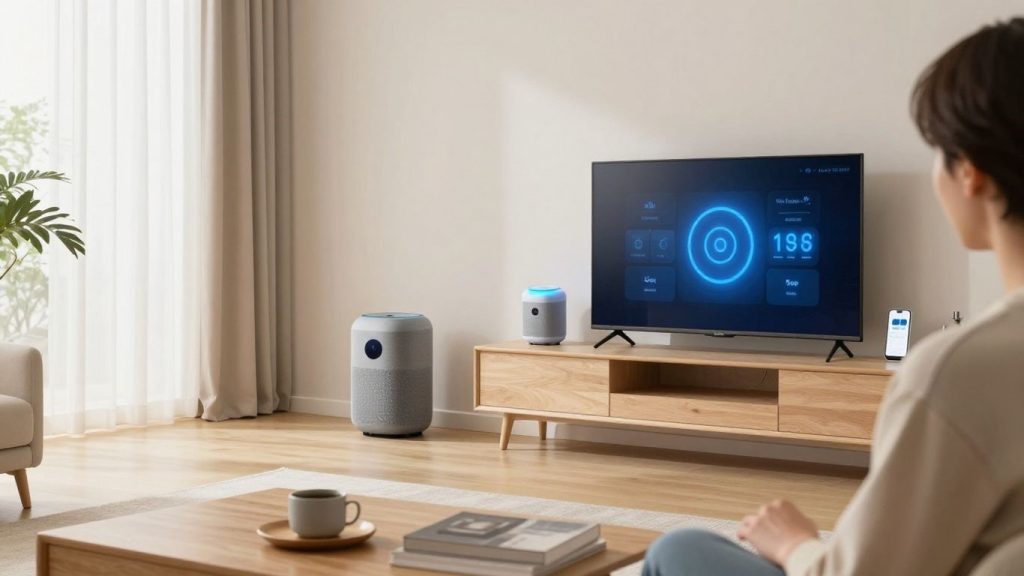
Creating a smart home can seem like an overwhelming project, but I realized that a couple of easy tricks will make everything a lot less complicated. This is more about making gadgets talk to each other than going on Amazon and buying cool stuff.
First of all, you will not be able to do everything in one go. Begin with a handful of essential devices that cover your greatest needs, such as smart lighting or a thermostat. You just get comfortable with those, and then you keep adding more stuff. It allows you to break the learning down into smaller pieces, helps you understand how all the pieces fit together, and saves your sanity. It’s like making Legos; one piece at a time.
- Compatibility first: Make sure it works with your current setup before you buy anything. The single most irritating thing is buying a device only to discover it can’t talk with your smart speaker (or hub) of choice. Search for devices that support commonly used protocols (usually Wi-Fi, Zigbee, or Z-Wave), or those that explicitly state compatibility with your smart-home ecosystem (Google Home, Alexa, and/or HomeKit). This is the step that holds utmost importance for a simple smart home installation guide.
- Prepare your network: Your Wi-Fi is the backbone of your smart home. If you have a lot of devices, make sure your router can support them. Dead Zones: Get a Mesh Network or Wi-Fi Extenders. At-home smart devices give up all sorts of headaches if you have a weak signal.
- Consider routines: The magic of a smart home isn’t just in the voice but in actual automation. Consider your daily routine and the devices that could seamlessly collaborate. An example of a “good morning” routine could be to turn on the lights, adjust the thermostat, and start your coffee maker. That is the heart of a good smart home automation guide.
Avoid new tech hype in your own mind. The address pretty much focuses on devices that will help you solve real-life things and make your life more manageable. A smart home has to make things easier, but complex.
And last but not least, troubleshooting is a process to remember. Devices sometimes won’t connect, and routines will not work as originally intended. Take your time, read through the manuals, and don’t hesitate to search on forums. Overall, most issues are solvable if you just stick with it, and the device integration is way more gratifying. It’s just a step along the journey to an effortless smart home setup.
Also, upgrading your home step-by-step is similar to improving functionality through how to upgrade your kitchen appliances.
Wrapping It Up
So, that’s pretty much it. Smart home setup may seem like a lot to wrap your head around initially, but it really is not as hard as you might think. I began with a few smart bulbs, and now I honestly can’t fathom going back. That is really about making your home work for you, not the other way around.
You do not have to tackle it all at once; just choose something that sounds beneficial and get started with that. And once you start enjoying the convenience, well, you’ll likely want to add more. Hope you also will have a great time on the journey like me.
Even upgrading comfort devices like best space heaters can be part of making your home smarter and more efficient.
Frequently Asked Questions
What exactly is a smart home?
Think of a smart home as your regular house, but with a bunch of gadgets that can connect to the internet. These gadgets can talk to each other, and you can control them using your phone or even just your voice. It’s all about making your home more convenient and automated.
How do I start building my smart home?
The best way to start is to figure out what you want your smart home to do for you. Do you want more convenience, better security, or to save energy? Once you know your goals, you can pick a few simple devices, like a smart speaker or smart lights, and build from there. Don’t try to do everything at once!
Do I need to be a tech expert to set up a smart home?
Absolutely not! Most smart home devices are designed to be easy to set up, even for beginners. Many use simple apps and voice commands. The key is to start small and learn as you go, kind of like learning to ride a bike.
What are smart hubs, and do I really need one?
A smart hub is like the brain of your smart home. It helps different devices, even from different brands, talk to each other. While you can start without one, a hub can make managing everything much simpler and unlock more advanced features later on.
How much money will a smart home cost me?
The cost can really vary. You can start with just a few devices for under $200, or go all out and spend much more. The important thing is to set a budget beforehand and choose devices that fit your needs and your wallet, rather than just buying the most expensive stuff.
Can I mix and match devices from different brands?
You can, but it’s easier if you stick to one main ‘ecosystem’ like Google Home, Amazon Alexa, or Apple HomeKit. Think of it like choosing a language for your devices. While some devices work across different systems, sticking to one makes sure they all play nicely together.






One Comment