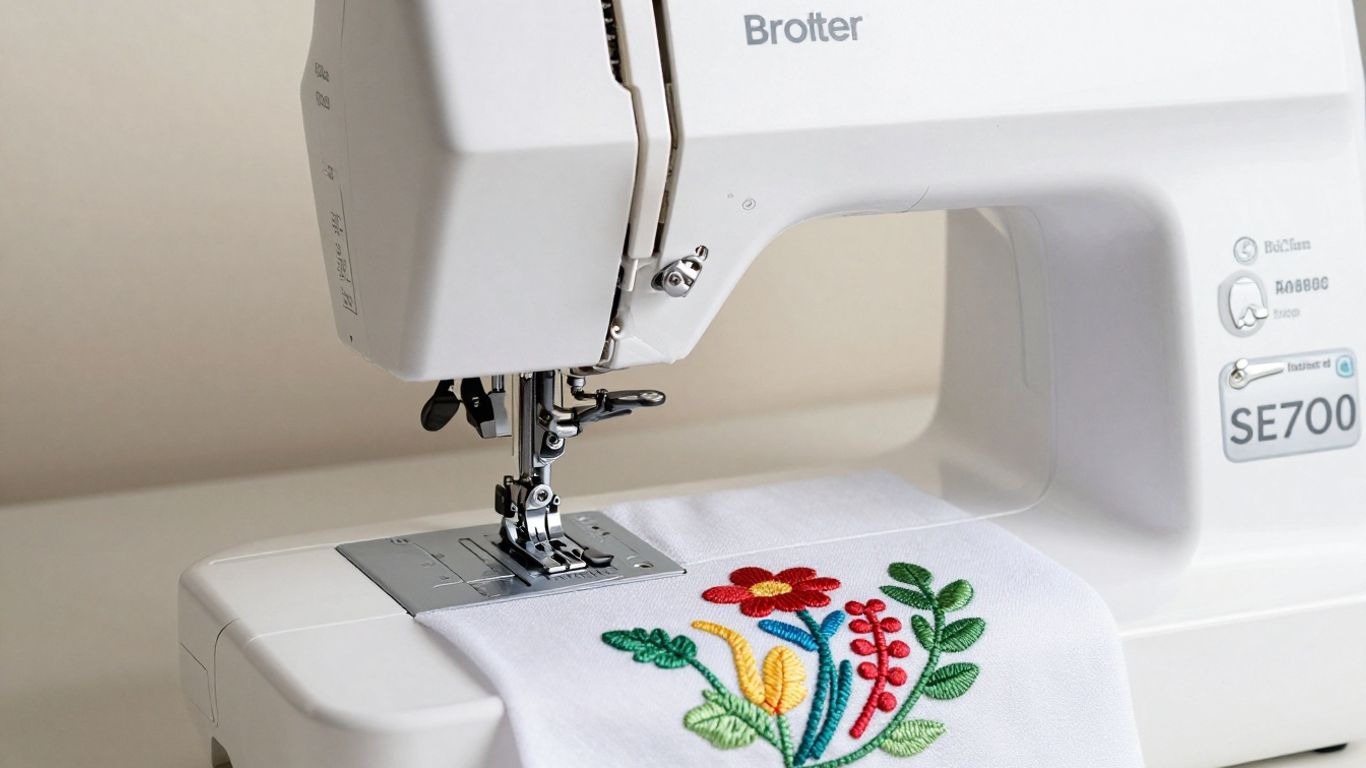
Brother SE700 Review: Sewing & Embroidery Machine Features Explained
If you’re just getting started with sewing, I always suggest learning the basics first, like understanding sewing machine parts and mastering how to thread a sewing machine. Once that foundation is clear, stepping into a combo model like the Brother SE700 feels far less overwhelming.
I’ve been looking into the Brother SE700 lately, and it’s definitely one of those machines that blends sewing and embroidery in a practical way. If you’re still figuring out how to learn sewing, this kind of all-in-one option can actually make experimentation easier without buying two separate machines.
Key Takeaways
- The Brother SE700 is a combo sewing and embroidery machine designed for home crafters, offering a good balance for beginners and those with some experience.
- It features 80 built-in sewing stitches and 135 embroidery designs, with a 4×4-inch embroidery field suitable for smaller projects like monograms and patches.
- User-friendliness is a focus, with a 3.2-inch color touchscreen display, automatic needle threading, and built-in tutorials to guide users.
- Connectivity options include a USB port for importing designs and Wi-Fi for wireless transfer via Brother’s Artspira app, expanding design possibilities beyond the built-in options.
- While stable and robust, the 4×4 embroidery field can be a limitation for larger designs, and users looking for high-volume production might eventually need to consider more advanced machines.
Introduction to the Brother SE700
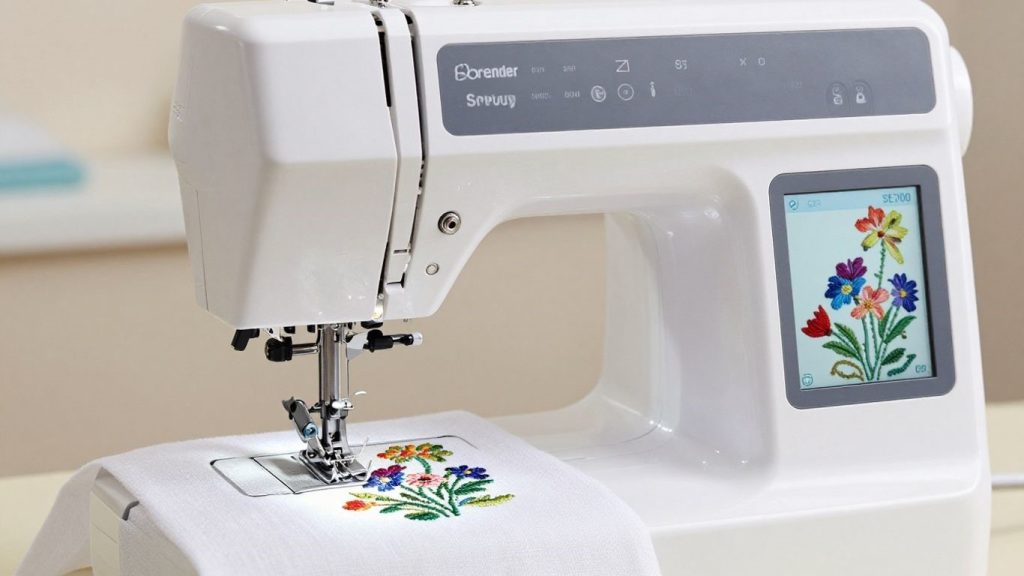
All that to say, I’ve recently had a couple of weeks with the Brother SE700 sewing and embroidery machine. It’s pitched as a machine that truly walks the line between basic sewing and dipping your toe into embroidery, which sounds great in theory. It’s meant to be a do-it-all machine for the home crafter.
At first glance, the SE700 seems quite sturdy. It’s a nice weight to it, which I think is important for stability when you’re doing embroidery, you don’t want the machine shaking all over. It included a good selection of built-in sewing stitches, more than 100 to be precise, and some lovely embroidery designs to help you get stitching straight away. I also like that it has that automatic needle threader, a small thing, but it makes a big difference when threading and re-threading.
For me, one of the most impressive details is Wi-Fi connectivity. This allows you to send designs wirelessly, a neat trick. This means you can design something on your computer or tablet and immediately send it to the machine without having to tinker with USB sticks. It’s part of what makes this machine a step toward more sophisticated projects.
Here’s a quick look at what it offers:
- 135 built-in embroidery designs
- 103 sewing stitches
- 4″ x 4″ embroidery area
- Wireless connectivity for design transfer
- Automatic needle threader
If embroidery is your main interest and you’re comparing machines, you might also want to understand the differences in serger vs sewing machine before deciding what fits your workflow best.
Key Features of the Brother SE700
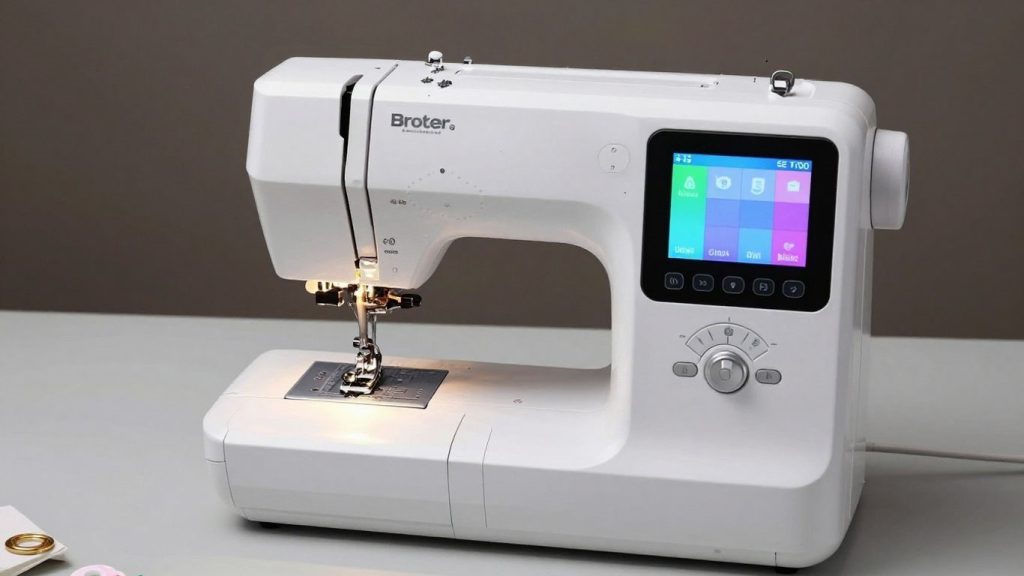
What I first noticed when I studied the Brother SE700 was how much they pack into one machine. It’s a combo unit, so it does both sewing and embroidery, which is great if you don’t have much room. The following is a breakdown of the keys on this machine.
Sewing Capabilities
When it comes to sewing work, the SE700 is quite good. It features 80 built-in sewing stitches for everything from basic utility to decorative. It was a lifesaver for me — forget about squinting and fumbling with the thread!
Plus, its quick-set bobbin system means you can start a project without much fuss. When it’s running, it feels stable, which is all-important for consistent stitch quality. But this machine has some awesome Brother sewing machine features.
Embroidery Features
The SE700 truly shines here for me. It has 138 built-in embroidery designs and 11 embroidery fonts. The embroidery area measures 4×4 inches, a decent size for smaller work like monograms, patches, or embellishing clothes.
The USB port, which allows me to import my own designs, is a huge plus. It’s also Wi-Fi enabled, which means I can send designs wirelessly via the Artspira app. The Brother SE700 has pretty extensive embroidery capabilities for a home machine.
This is where it separates itself from standard machines. If you’re deciding between embroidery-only models and combo units, reading comparisons like surjeteuse vs machine à coudre or remalladora vs máquina de coser can give you more context about machine categories.
User Interface and Display
The SE700 is pretty easy to navigate thanks to its 3.2-inch color touchscreen. It’s bright and responsive, and I like the fact that on-screen tutorials and animations help take you through the various functions.
You can even do some basic edits right on the screen, like sizing or rotating designs, ahead of your stitching. This is less daunting, especially when attempting new Brother sewing machine features.
The touchscreen simplifies design selection and editing. Compared to older mechanical models, this feels modern and intuitive. If you’ve used heavy-duty Singer models like in the Singer HD500 review, you’ll notice the SE700 leans more toward digital customization rather than raw sewing strength.
Connectivity and Software
The SE700 plays nicely with Brother’s ecosystem beyond the USB port and Wi-Fi. An Artspira app is a cute addition to transfer designs wirelessly, which is helpful when I am crafting on a tablet or laptop. That means I never need to use a physical USB stick all the time just to get designs from my computer and into the machine. One of the best features about Brother sewing machine capabilities that I love is this level of connectivity.
Its weight of about 25 lbs helps it feel stable. This is a step up from some simple machines, but it does well for embroidery. Less vibration means your stitches line up better, especially on larger designs where small errors pile up fast.
Here’s a quick look at some of the built-in options:
- Sewing Stitches: 80 built-in
- Embroidery Designs: 138 built-in
- Embroidery Fonts: 11 built-in
- Embroidery Area: 4″ x 4″
- Display: 3.2″ Color Touchscreen
- Connectivity: USB Port, Wi-Fi
Ease of Use for Beginners and Experts
When I opened up the Brother SE700, I was concerned that it would be a little bit more complicated for me, but honestly, pretty simple. For beginners, the machine definitely holds your hand. There is this lovely 3.2-inch color touchscreen that displays instructions, like a little guide to help you out. The automatic needle threader was a lifesaver; no more squinting to see how I could fit the thread through the tiny eye of the needle. And as a convenient bonus, the quick-set bobbin system means you won’t be fumbling around whenever it’s time to wind or replace the bobbin.
For beginners practicing structured projects like aprons or tote bags, this machine reduces friction in setup. If your goal is building confidence before tackling decorative wall pieces like those found in macrame wall hanging patterns, embroidery opens creative expansion beyond traditional stitching.
For anyone who has been sewing or embroidering for a little while now, the SE700 doesn’t feel limiting in any way. Plus, you can easily import your own designs by using the USB port or wirelessly with the SE700 model. This has made it easy to use custom graphics or more complex patterns.
The on-screen touch-up tools are also pretty handy for those minor edits that don’t require a dedicated software solution to address. I’ve noticed that the workflow works quite nicely once you figure it out. It starts with hooping, being sure you pick the right stabilizer to support your fabric, but beyond that, the machine makes getting through all of that stitching possible.
Here’s a quick rundown of what makes it user-friendly:
- Automatic Needle Threader: Seriously, this is a game-changer.
- Color Touchscreen Display: Makes selecting designs and settings much simpler.
- Automatic Thread Cutter: Saves time and gives a clean finish.
- Built-in Tutorials: Great for learning new techniques or refreshing your memory.
Even with all these helpful features, I always recommend doing a test stitch on a scrap piece of fabric before tackling your main project. It’s a small step that can prevent a lot of headaches. The SE700 is a solid choice for anyone looking to explore embroidery without a steep learning curve, and it’s a capable machine for more experienced users, too.
What’s Included in the Box?
When I took the Brother SE700 out of the box, I was actually quite happy with what I saw. It seems like Brother put a ton of effort into making sure you had that strong starting point from the get-go with this one. You also get the machine itself, of course, which has a solid feeling – it weighs around 25 lbs, and honestly, that heft is one of the better things for embroidery stability. Fewer vibrations lead to less stitch registration, which is usually a feature I pay attention to.
It comes with the essentials, including a hoop, presser feet, and accessories. To stay organized, pairing it with one of the options from the best sewing box guide makes storage easier.
Embroidery also requires stabilizers and extra thread. Those are ongoing supplies that many beginners underestimate at first.
Sewing and Embroidery Essentials
I’d found a good variety of items inside to get sewing and embroidery projects started. As with most sewing machines, this one comes with a few presser feet for various sewing tasks, which is standard and always appreciated. Included with the machine is a 4×4-inch hoop for embroidery, which is fine for beginners, but I get that many people will want to upgrade to larger or magnetic hoops later.
You also receive a bobbin case, along with some starter bobbins. Please note that while a starter set of thread may be included, you will need to purchase additional thread and stabilizer to get started.
Here’s a quick rundown of what I found:
- The Brother SE700 machine
- 4×4 inch embroidery hoop
- Assorted sewing presser feet
- Power cord and foot controller
- Needle set
- Bobbin case and a few bobbins
- Seam ripper, cleaning brush, and screwdrivers
- User manual and quick start guide
Beyond the Basics: What You Might Need
While the actual box contains all the basic components, I discovered quickly that there were a few additional things that make an embroidery experience much more seamless. For example, a healthy inventory of stabilizers is critical. Which type you need can depend on your fabric, but it’s a good idea to have tear-away and maybe some sticky options handy.
Plus, a temporary spray adhesive is also a lifesaver when used on smaller or more problematic fabrics. I discovered that a few packets of spare bobbins and a nice set of embroidery needles (with different sizes being useful) help keep the workflow without interruption.
If you’ve ever sewn your own clothes, you realize it’s easy to get excited about all the built-in stitches and designs, but just keep in mind that embroidery has a few more consumables than basic sewing. If you plan for these extras before diving into your first project, you’ll save yourself a lot of frustration and time spent waiting. You can think of it like needing oil and filters for a vehicle – they’re not the car itself, but you won’t be able to operate it without those components.
Who’s the Brother SE700 Suitable for?
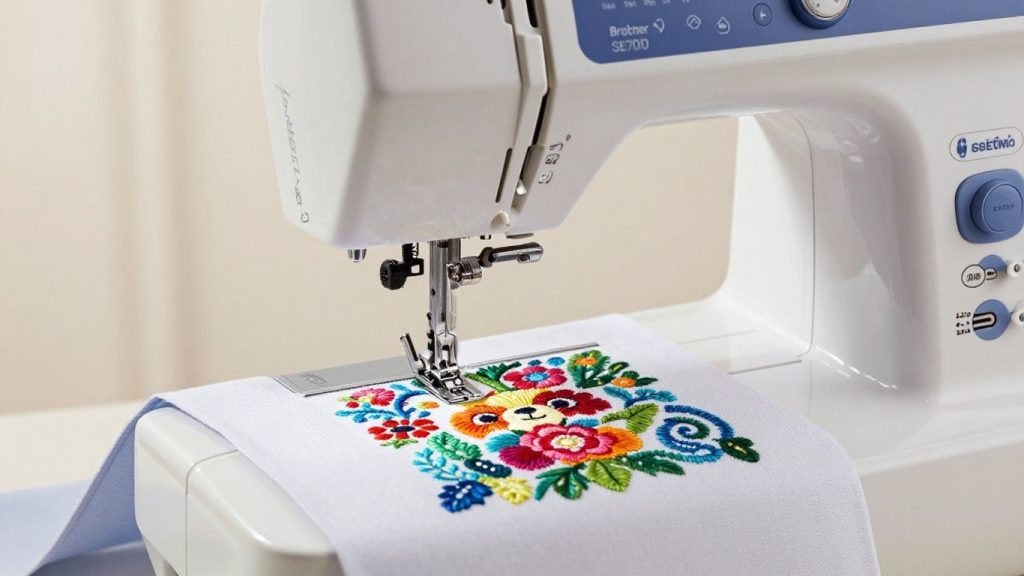
So, who is this Brother SE700 machine actually for? So I’ve been studying it, and I found that it seems to work for a few different kinds of people.
First of all, this is a great machine if you are new to embroidery. It has that awesome touchscreen that guides you through, and the automatic needle threader is a game-changer, trust me, no more squinting and struggling! It helps to demystify the entire process.
It’s ideal for hobbyists who want both sewing and embroidery in one machine. If your projects are home-focused, like decorating small spaces similar to ideas in small apartment ideas, embroidery customization can add a personal touch to pillows, curtains, and fabric decor.
However, if you’re building a high-volume embroidery business, the 4×4 field may feel restrictive over time.
Here’s a quick rundown:
- Novices: On-screen instructions that are easy to follow and features like automatic threading.
- Hobbyists: Merges sewing with embroidery, good for making custom touches to projects.
- Experimenters: A great way to test whether you like working with embroidery, without the expense.
- Small Space Dwellers: Its all-in-one nature leads to less clutter.
But there are many that would make an embroidery business or need to produce a lot of items quickly enough, you may find the 4×4 embroidery area a bit restrictive. Great for personal projects and smaller designs, but I’d imagine you’d want something with more real estate or niche capabilities later if they were to scale up into professional, high-throughput use.
Comparison with Other Sewing Machines
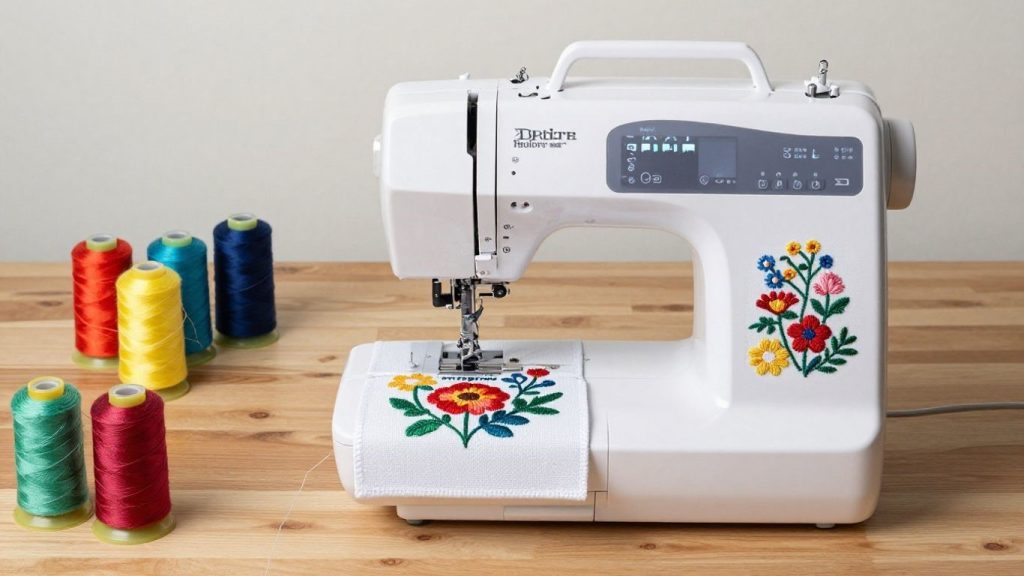
I like to see how each new sewing machine and embroidery machine compares with others in the market. This helps me see if I’m getting the best bang for my buck, especially when I am looking at something like the Brother SE700, which is one of the top sewing and embroidery machines out there to have in your house. I have reviewed different computerized embroidery machine for multiple times and noticed a few differences in models.
If you’re exploring alternatives within Brother’s lineup, comparing this with the Brother SE2000 review gives insight into expanded embroidery features.
Brother SE700 vs Brother SE600
The SE600 is similar to a younger sister version of the SE700. It’s a really nice machine, and I’ve seen it (and other versions of this brand) recommended as a good sewing machine for crafters. They have a reasonable selection of built-in stitches and embroidery designs, and they share a similar user interface that’s well-suited to beginners.
Yet, it is the SE700 that really comes out ahead with its bigger embroidery area and enhanced computerized connectivity. It also comes with a few more built-in embroidery designs and fonts. If you’re serious about embroidery and want a little more room to get creative, the SE700 really is the obvious choice. If your budget is on the tighter side, or if you aren’t planning multiple larger projects, though, the SE600 is still a solid option.
Brother SE700 vs Singer Legacy SE300
This comparison is interesting because both machines are computerized embroidery machines for home sewers. The Singer Legacy SE300 is frequently mentioned in computerized embroidery machine reviews due to its large touch screen and extensive library of stitches and designs. As a home embroidery machine specifically designed for newcomers to the craft, I found the operation of the SE700 to be somewhat simpler.
Although the SE300 has more raw numbers (in stitches), I found that the designs and editing features included with the SE700 were much more useful for everyday projects. The SE700 does have a little bit larger embroidery field, which, to me, is just so awesome. Both are solid home sewing and embroidery machines, but the SE700 seemed just a bit more intuitive to me.
Brother SE700 vs Brother PE800
Now, this is a comparison between two Brother machines, so it shows different strengths. The PE800 is an embroidery-only machine, but it also does basic sewing. Unlike the SE600, the SE700 is a combination machine that can handle sewing and embroidery with an easy-to-read LCD touchscreen display. The PE800 also has a larger embroidery area and a huge library of built-in designs, which is wonderful if you’re very focused on embroidery.
But for those who want one machine to do it all, including embroidery, choose the more versatile SE700. I found the sewing capabilities of SE700 to be much stronger than those of PE800. If you’re a person looking for the best sewing and embroidery machine that does both well, the SE700 is generally the better choice. The PE800 is for the serious embroiderer who may have a separate sewing machine.
Here’s a quick look at how they generally compare:
| Feature | Brother SE700 | Brother SE600 | Singer Legacy SE300 | Brother PE800 |
|---|---|---|---|---|
| Type | Sewing & Embroidery | Sewing & Embroidery | Sewing & Embroidery | Embroidery (Basic Sewing) |
| Embroidery Area | 4″ x 4″ | 4″ x 4″ | 4″ x 4″ | 5″ x 7″ |
| Built-in Stitches | 103 | 60 | 100+ | N/A (Sewing stitches limited) |
| Built-in Designs | 100 | 50 | 200+ | 138 |
| Connectivity | USB, PC Software | USB | USB, PC Software | USB, PC Software |
| Screen | LCD Touchscreen | LCD Touchscreen | LCD Touchscreen | LCD Monochrome |
Wrapping Up My Thoughts on the Brother SE700
So, after a little time with the Brother SE700, I can honestly say it’s a pretty nice machine. It does genuinely try to do both sewing and embroidery well, which is useful if you have limited space. I found the touchscreen relatively easy to navigate, and having an automatic needle threader is a godsend. I can’t believe that’s not standard across all sewing machines.
It’s not perfect, and sure, there’s some learning curve if you’re new to embroidery. But for a creative type like me, who wants something with the flexibility to do a bit of everything without breaking the bank, the SE700 is a solid option. It’s certainly inspired me to tackle more embroidery projects.
Frequently Asked Questions
What makes the Brother SE700 a good choice for someone new to sewing and embroidery?
I think the SE700 is a great starting point because it has a helpful color screen that shows you how to do things, and it even threads the needle for you! It comes with lots of designs already loaded, so you can start creating right away without needing to buy extra patterns.
How big of an embroidery design can I make with the SE700?
The machine has a 4×4-inch area for embroidery. This means I can create smaller designs, like monograms or cute little pictures, but not really large pictures or designs that go across the whole front of a shirt.
Can I add my own embroidery designs to the SE700?
Yes, you absolutely can! I can connect the machine to my computer using a USB stick to add new designs. It also has Wi-Fi, so I can send designs wirelessly from my phone or tablet using Brother’s app, which is super convenient.
Is the Brother SE700 easy to move around?
It’s a pretty solid machine, weighing about 25 pounds. While that weight makes it stable when I’m sewing or embroidering, it’s not the lightest thing to carry around. I need to be careful when I move it and always lift it with both hands.
What’s the difference between the SE700 and the SE600?
The SE700 is a bit more advanced. While both have a 4×4 embroidery area, the SE700 has more built-in embroidery designs (135 compared to 80) and adds Wi-Fi connectivity for easier design transfers. It also has a few more sewing stitches.
Can I use the SE700 for making clothes, not just for decorating them?
Definitely! This machine is great for both sewing and embroidery. I can use it to sew garments from scratch, like making a simple dress or shirt, and then use the embroidery feature to add cool designs or personalized text to make it unique.