SINGER SE9180 Sewing & Embroidery Machine Review: Features, Pros & Is It Worth It
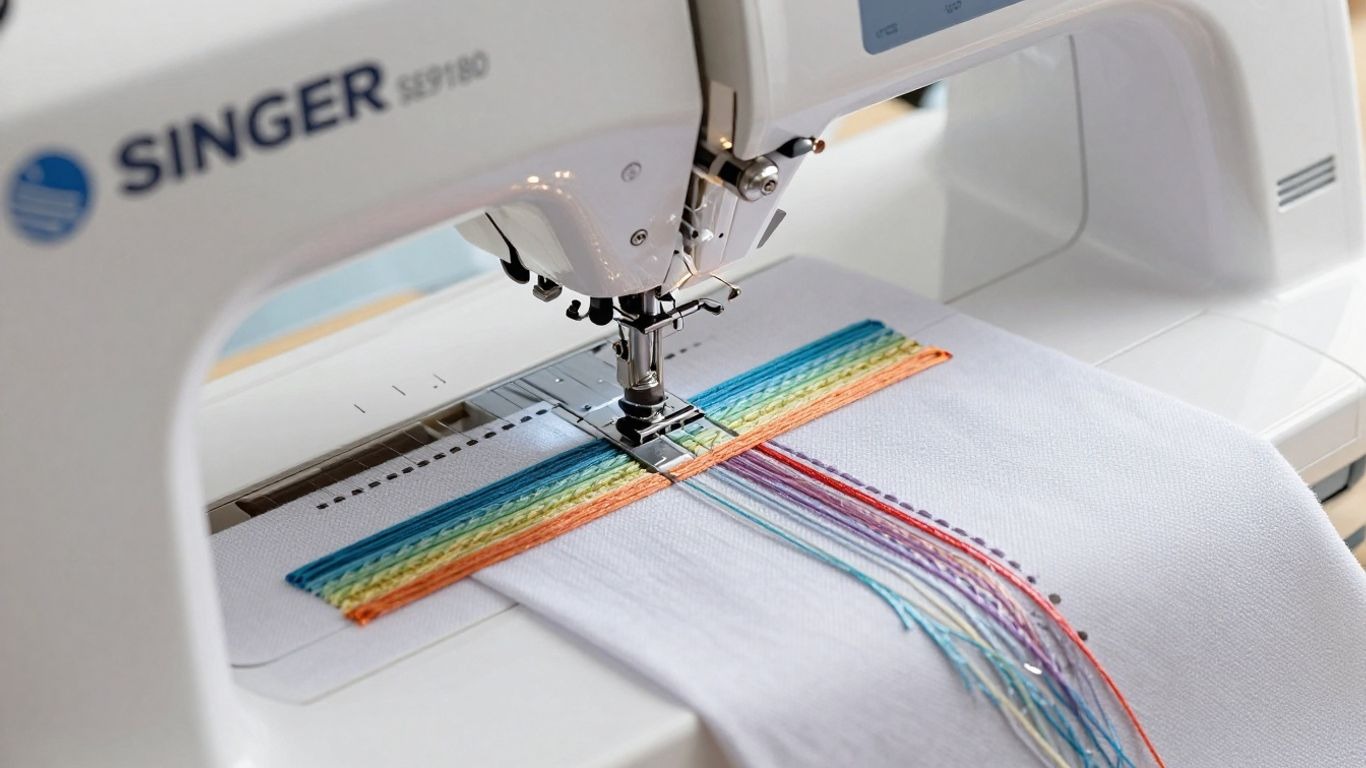
I’ve spent a good chunk of time testing out the SINGER SE9180, and if you’re anything like me, you want a machine that does more than just basic stitches. I wanted something that could handle both sewing and embroidery without making me feel like I needed an engineering degree to use it.
The SE9180 promises a bunch of features for hobbyists and more serious makers, so I decided to see if it actually lives up to the hype, or if it’s just another gadget that ends up collecting dust in the closet.
Key Takeaways
- The SINGER SE9180 combines sewing and embroidery functions in one machine, which saves space and money.
- Its 7-inch color touchscreen makes picking stitches and designs easy, even if you’re not tech-savvy.
- There are 250 built-in stitches, 150 embroidery designs, and 10 fonts, so that you won’t run out of creative options quickly.
- MySewNet compatibility opens up thousands more designs, but you’ll need a subscription after the free trial ends.
- While it’s sturdy and reliable, the hoop size is a bit limiting if you want to tackle really big embroidery projects.
Introduction to the SINGER SE9180
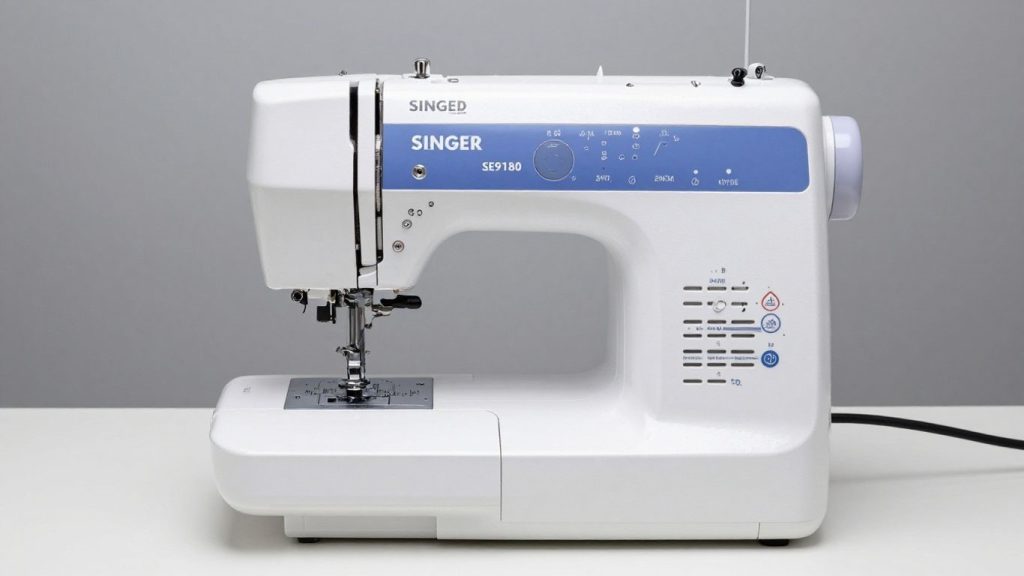
So, I’ve been playing with the SINGER SE9180 for a while now, and I have some early impressions. This machine definitely wants to be a do-it-all type of device for any sewist, and especially an embroiderer. Feels like Singer attempted to cram a lot of modern tech into something that still feels like home, even when you’re just a junior. It’s marketed as a pretty sturdy embroidery machine for beginners, but without skimping on the features that experienced folk will appreciate, too.
The first thing I saw when unboxing it was the large color touchscreen. It’s quite bright, making it easier to see which stitch or design you’re using than fiddling with little buttons on older machines. And the built-in WiFi connectivity is a nice touch. It means I can send designs directly from my computer or tablet, without playing with USB sticks, a pleasant bit of convenience.
If you’re upgrading from a basic model, you might have seen machines like the Brother CS7000X review or Brother CS7205 review which are also popular among home sewists.
Here’s a quick rundown of what caught my eye:
Here’s a brief rundown of what I noticed:
- Plenty of Built-in Choices: It has a good variety of sewing stitches (250, to be exact) and an impressive collection of embroidery designs (150) and fonts (10) preloaded. It means you can jump straight into the creation process as there’s no need for additional purchases or downloads.
- Easy to Set Up: The automatic needle threader and top-loading bobbin system help the basics run fairly smoothly. I didn’t find it a huge hassle getting it ready to sew or embroider.
- Connectivity: The MySewNet WiFi is a major part of its allure. It can wirelessly send designs, and it even gives you the option to view your progress from another device. MySewNet has a trial period, which grants access to an extensive library of designs and software tools.
The SE9180 appears to balance such high-end features with keeping things intuitive. It’s the type of machine that you could grow into as your skills progress.
My overall first impression is that the SINGER SE9180 is a capable machine that seeks to make both sewing and embroidery easily attainable. If you’re in the market for something versatile, it’s well worth a closer look.
Key Features of the SINGER SE9180
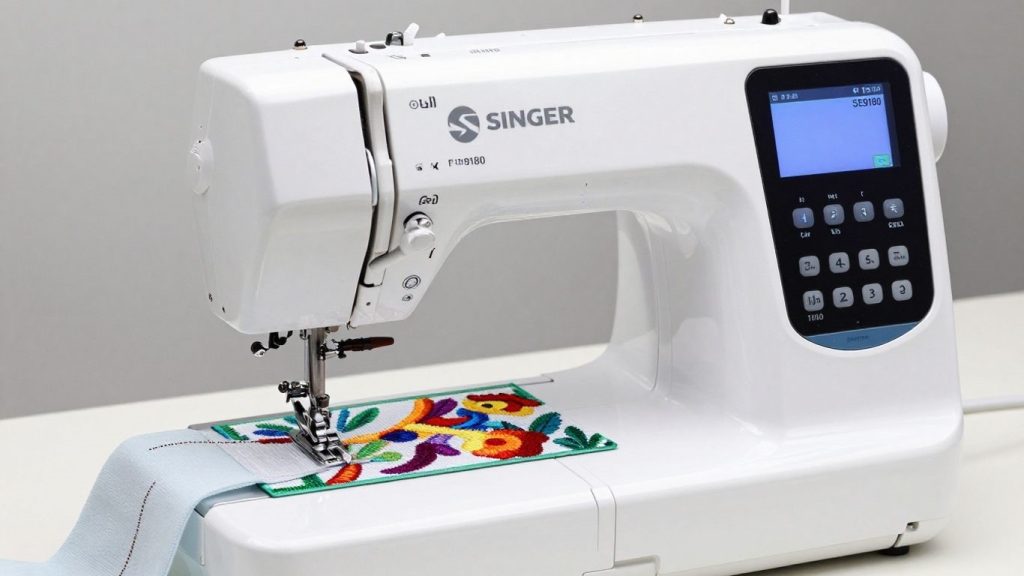
When I first got my hands on the SINGER SE9180, I was really impressed with the sheer number of things it can do. It’s not just a sewing machine; it’s an embroidery powerhouse too. Let’s break down what makes this machine stand out.
Sewing Capabilities
This machine has a nice range of 250 built-in sewing stitches. That’s a lot of choices for everything from simple seams to decorative edgings. I found that the variety takes care of most of my projects, whether I’m mending clothes or making a new quilt.
There is also a very generous 6.5 inches of sewing space between the needle and the body of the machine, plenty of room for me to maneuver larger fabrics without feeling cramped. And the drop feed is useful for free-motion sewing and quilting.
If you’re just getting started with projects, something simple like how to make a simple tote bag at home or how to sew an apron is a great way to practice.
Embroidery Features
Where the SE9180 really shines is on the embroidery side. This is a good starting point, and it also comes with 150 built-in embroidery designs and 10 different fonts. This is a reasonable size for many projects, with a max embroidery area of 170x100mm. The good news is that you can import your own designs via a USB stick, so that’s pretty much endless.
It also offers mirror imaging and continuous borders, which allows me to get creative with the designs included with different machines. I love the automatic thread cutter that cuts both top and bobbin threads with the push of a button. It saves so much time.
If you’re comparing machines specifically for embroidery projects, you might also like the Brother SE2000 review.
User Interface and Ease of Use
Singer spent some time here making this machine as user-friendly as possible. The bright and responsive, large 7-inch color touchscreen allows for easy selection of stitches, designs, and adjustments. I love the automatic needle threader; it eliminates one of the biggest irritations with sewing, which is threading. The top-loading, jam-proof bobbin system is also easy to handle, so my sewing flow is never disrupted.
If you’re unfamiliar with threading steps, check this helpful guide on how to thread a sewing machine.
Connectivity and Software
Connectivity is one of the more modern features of the SE9180. It doesn’t have built-in Wi-Fi, but it does work with the mySewnet™ ecosystem. That’s right, with mySewnet™ capability,m you can connect wirelessly to other mySewnet™ enabled devices, including your laptop, tablet, or phone, so you can send designs and even see how that embroidery is coming along! They were kind enough to even provide a free trial of mySewnet™ software so you can test all the possibilities.
Using older machines, it was often seen as inconvenient to manage designs and stay updated, but this connectedness makes all that much easier at the rate at which things are moving today. If you only wanted to have a reliable machine with love events, it might be worth looking at models like the SINGER Heavy Duty 6800C.
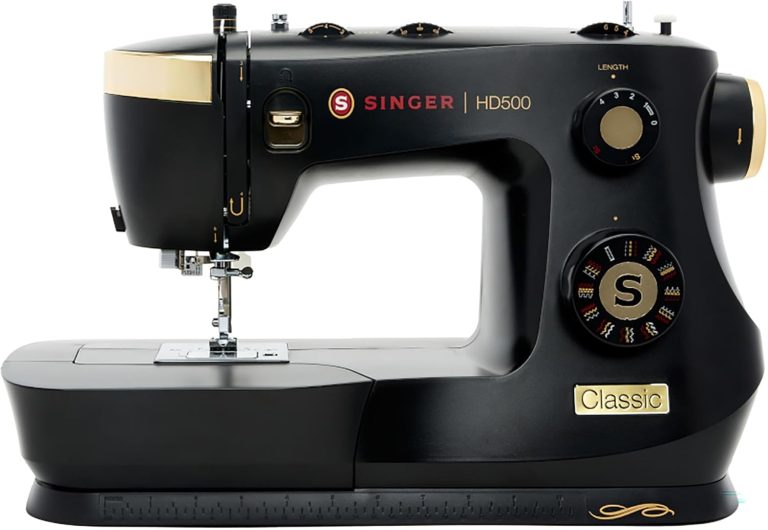
For people who just want a reliable computerized machine without embroidery, models like the SINGER HD500 review or SINGER HD4411 Prisma review are also solid options.
Pros and Cons of the SINGER SE9180
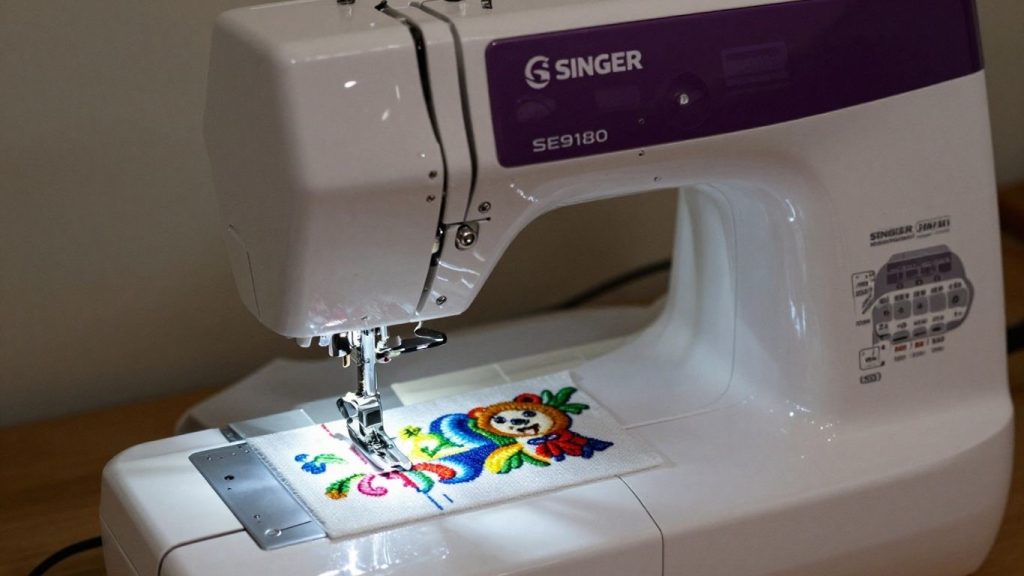
At first glance, I was blown away by how much SINGER SE9180 offers in a single machine. It’s not only about having so many features; it’s about how they all function in tandem.
For me, one of the biggest wins is the connectivity. MySewNet integration is very cool too. It allows me to sync designs over wi-fi, which is way more convenient than plugging a USB stick all the time. Also, a nice bonus is that I get a free trial of MySewNet, which allows me access to an enormous library of designs and software tools to test out. It honestly unlocks a world of creative possibilities.
I also like the number of built-in options. With 250 sewing stitches and 150 embroidery designs, as well as 10 fonts, I felt like I had enough to work with straight out of the box. This is handy for someone in my position who prefers to fiddle and does not need a fresh set of designs at once. Importing my own designs over USB is another major advantage, providing even greater flexibility.
Pros of the SINGER SE9180
Here’s a quick rundown of what I found particularly good:
- Large Embroidery Area: The 7″ x 4.7″ embroidery area is generous enough for most of my projects, from small embellishments to larger designs.
- Automatic Thread Cutter: This feature is a lifesaver. It trims both the top and bobbin threads with just a touch, saving me time and frustration between sewing and embroidery steps.
- User-Friendly Interface: The 7″ color touchscreen is bright and easy to navigate. It makes selecting stitches, designs, and adjusting settings much simpler than I expected.
- Sturdy Build: Singer machines are known for being durable, and the SE9180 feels solid. It has a metal frame that keeps it stable, even when I’m working at higher speeds.
Cons of the SINGER SE9180
Here are a few other things I’ve noted:
- Wi-Fi Band Limitation: As mentioned, only the 2.4 GHz band is supported, limiting access to some home networks.
- Hoop Price: New or additional hoops are pricey and hoop-specific.
- Software Updates: MySewNet has a ton of offerings, but relying on subscription services for full functionality can cost you more in the long run.
It’s a pity that some of these more technical elements weren’t better figured out. These connectivity and accessory cost issues appear to be just needless hurdles for such a super-capable sewing and embroidery machine.
Because of this, some sewists prefer traditional machines like the Janome JW8100 review or the more advanced Janome MC6650 review.
Who is the SINGER SE9180 For?
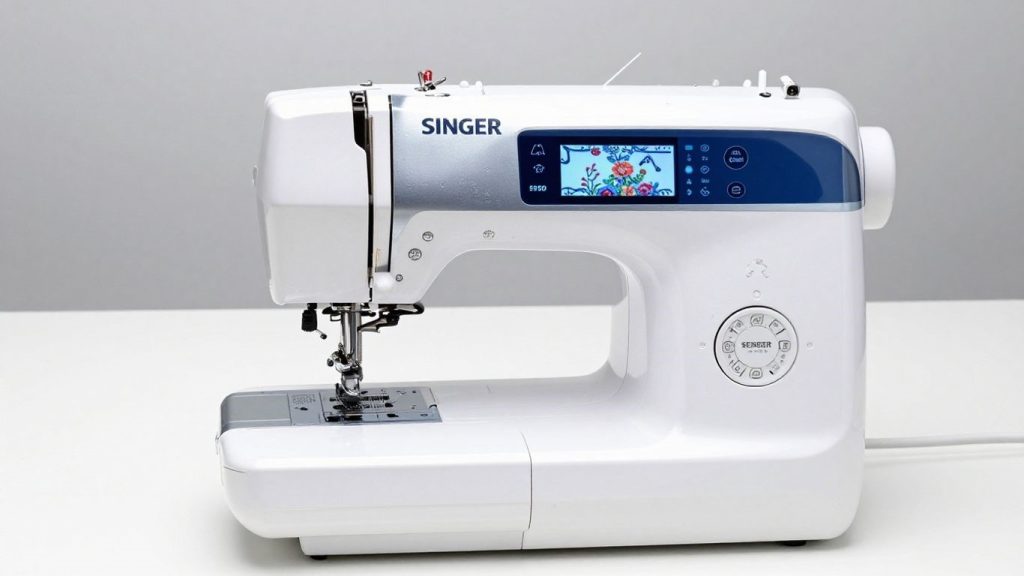
So, who is the SINGER SE9180 actually for? I’ve been tinkering with it, and I think it’s especially great for a few kinds of crafters.
First, if you are someone who enjoys embroidering but doesn’t want to deal with complicated software or being shackled to a computer all the time, this machine is an excellent choice. It ships with quite a few native designs, 150, to be precise, and 10 fonts, which is more than enough for pummeling all types of projects. Then, adding your own designs via a USB stick is relatively simple. It manages to balance a sense of creative freedom without being too technical.
I’d also say it’s great for intermediate sewers and embroiderers who want to take their game to the next level. You also get 250 sewing stitches, which is more than a lot of people will need every day, and the embroidery area isn’t that small (7″ x 4.7″). Which means you can handle medium-sized projects without constant re-hooping. It’s not some giant industrial machine, but for home use, it is very powerful.
If you’re still building your toolkit, it’s helpful to start with sewing kits for beginners you can buy online.
Here’s a quick rundown of who I think would be happiest with this machine:
- Hobbyists interested in personalizing apparel, home decor, or gifts.
- Sewists who want to get into embroidery without a steep learning curve.
- Those who enjoy a touchscreen, easy-to-use interface.
- Anyone who wants to transfer designs using a USB instead of setting up Wi-Fi.
If you’re a novice, it is certainly manageable, especially thanks to the automatic needle threader and thread cutter, but you may find yourself outgrowing its capabilities in short order. If you want to embroider super-sized designs or work with very lofty materials most of the time, then you might need to take a gander at another class of machine. However, for the home user who wants a reliable machine doing both sewing and embroidery well, I think wondering if ‘is the Singer SE9180 worth buying’ leans heavily towards yes.
Comparison of SINGER SE9180 with Other Sewing Machines
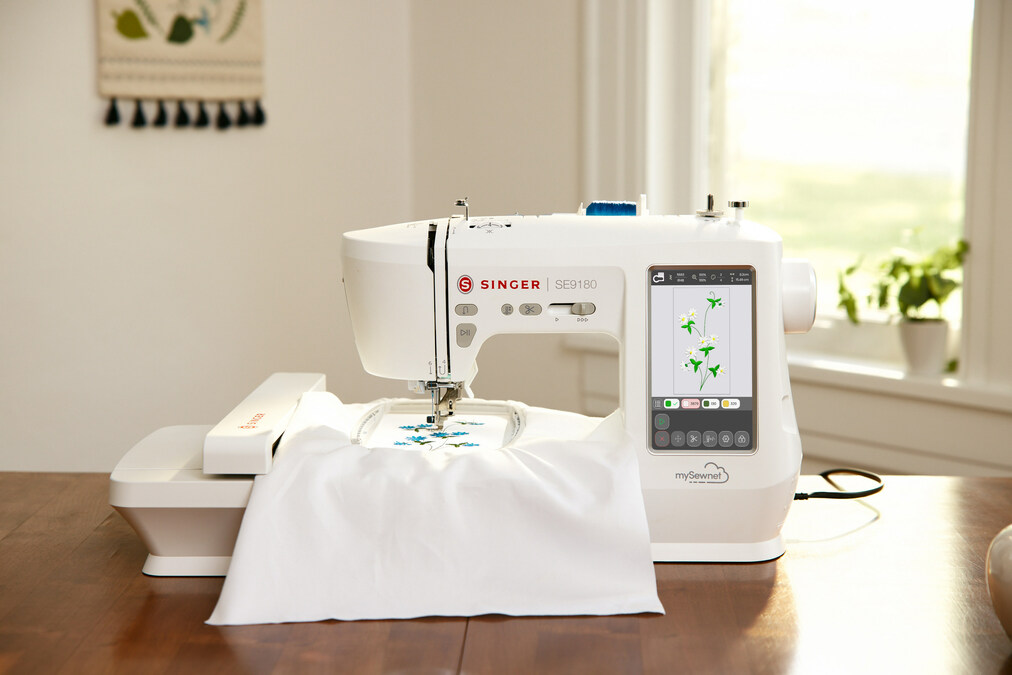
When I’m in the market for a new sewing and embroidery machine, I always like to compare models against each other. It guides me on what actually matters for my projects. On the other hand, the SINGER SE9180 is also quite popular and frequently recommended for those wanting an all-around machine that works great for hobbyists. But how does it stack against some more familiar models?
SINGER SE9180 vs Brother SE1900
This is a familiar comparison, and with good reason. They are both very good all-around workhorses for home sewing and embroidery. The SE9180 does really excel when it comes to the interface; I thought the touchscreen was quite intuitive and convenient for transitions between sewing and embroidery modes. It also comes with a bigger library of built-in designs and stitches out of the box, which is nice when I’m starting a new project and don’t want to jump straight into software.
Conversely, the Brother SE1900 frequently gets brownie points for its larger embroidery field. When I create really expansive embroidery designs or quilts, that extra room can be a big thing. The SE1900 also has the reputation of being a workhorse, and it does handle thicker fabrics with slightly more ease, though the SE9180 isn’t a slouch either. In my opinion, the SE9180 offers better connectivity features with MySewNet integration and trial access to other designs. This just feels like a more up-to-date way of managing my embroidery files.
SINGER SE9180 vs Brother SE600
The SE9180 is like an SUV, and the Brother SE600 is a sedan; both will get you from A to B. The SE600 is an awesome entry-level machine and recommended as a first sewing and embroidery machine for beginners. It has a nice variety of stitches and designs, and tends to be very user-friendly. When I first started contemplating embroidery, I remember looking at the SE600, and it looked like a good way to dip my toes in.
But the SE9180 is a significant upgrade. The SE9180 has a significantly larger embroidery field, a more advanced color touchscreen, and a huge library of built-in stitches and designs. The connectivity options on the SE9180 are far superior to those of other devices, making it easier to transfer and manage designs. But given that I want more creative freedom, more features, and a machine that can break out of its shell, the SE9180 has to be the option over the SE600. The SE600 is awesome for basic tasks, but the SE9180 offers so much more room to try things out and explore options for someone like me.
SINGER SE9180 vs Janome Memory Craft 9850
Well, the Janome Memory Craft 9850 is a whole different animal. Janome machines have a reputation for build quality and precision, and the 9850 is no exception to this rule. It’s a higher-end machine, and you can tell in its performance. Not only does it provide a very generous embroidery area and feature set, but it also comes with an absolutely solid sewing machine.
Compared to the SE9180, the Janome 9850 often comes out on top for raw power and stitch quality, particularly when dealing with serious sewing tasks. Most known for its durability and reliability. However, in terms of interface and software integration, the SE9180 generally comes out on top. The SE9180’s touchscreen and MySewNet connectivity are much more modern and intuitive for managing designs.
The SE9180 also tends to be inexpensive than the Memory Craft 9850. So this is a strong contender if I want ease of use, connectivity, and an even more accessible price point than the SE9180. If I want the very best in build quality and sewing precision, with less concern about budget, then I might go for the Janome. That really just depends on what I value the most in a [best sewing and embroidery combo machine].
If you’re interested in Janome models, you might want to compare them with machines like the Janome MC6650 review.
Here’s a quick look at how they generally stack up:
| Feature | SINGER SE9180 | Brother SE1900 | Janome MC 9850 |
|---|---|---|---|
| Embroidery Area | Standard | Larger | Largest |
| User Interface | Intuitive Touchscreen | Touchscreen | Touchscreen |
| Built-in Designs | Extensive | Good | Extensive |
| Connectivity | MySewNet, WiFi, USB | USB | USB |
| Price Point | Mid-Range | Mid-to-High Range | High-End |
| Best For | Hobbyists, multi-project makers | Serious hobbyists, quilters | Professionals, demanding users |
When I’m assessing these opportunities, I always consider the long-term. Is it going to be a help in growing as a creator? To sum it up, the SE9180 is a great option for anyone looking to get into sewing and embroidery with all of its connectivity features and user-friendly design, so it’s definitely one of the [best sewing machine & embroidery options] on my best-of list. It’s a machine that seems capable of keeping pace with my ideas, and when I’m in the throes of creativity, that matters. Check out more [singer sewing machine reviews] to help solidify your decision.
So, Is the Singer SE9180 Worth It?
Overall, after working with the Singer SE9180, I’d say that it’s a great machine for anyone wanting to jump into sewing and embroidery without spending big money. The touchscreen is also a huge benefit, making it relatively intuitive to navigate around, even if you’re just getting started. Having so many stitches and designs built right in was something I enjoyed a lot, plus the MySewNet connection opens up an entire world even more if you desire.
As with most Singers, it feels well-built and relatively fuss-free; it handled my projects without much ado. While it doesn’t have all the bells and whistles of some super high-end machines, for its price point and what you’re getting, I believe it’s an excellent pick for crafters and hobbyists alike. It indeed made my creative projects even more fun and so much easier.
Frequently Asked Questions
What makes the SINGER SE9180 stand out for embroidery?
The SE9180 is really at its best when it comes to the built-in embroidery designs and fonts, in addition to connecting with MySewNet. This is linked to my machine, giving me access to thousands more designs and allowing me to transfer them wirelessly. The oversized touchscreen also helps you see and select designs easily.
How easy is it to get started with the SE9180?
It was fairly easy for me to get started. It has an automatic needle threader, which is a godsend, and the touch screen walks you through a lot of the steps. And the MySewNet trial gives you a nice way to play without immediately acquiring more stuff.
Can I use my own embroidery designs with this machine?
Absolutely! I love that I could import my own designs. You can download them to a USB stick and load them directly into the SE9180. It supports the popular design formats, so I don’t really need to think too much about converting files.
What’s the main difference between the SE9180 and other Singer models like the Futura XL-400?
The SE9180 is, from what I can see, all about modern convenience — its touchscreen and its MySewNet wireless connectivity. If you want more software baked in or have very large projects, the Futura XL-400 could work better for you, but it may feel a bit more manual.
Does the SE9180 have features that help with sewing as well as embroidery?
Yes, it does! Apart from the embroidery, it has a fair amount of sewing stitches as well, more than 250. The automatic thread cutter, which saves time, and the free arm for sewing smaller items like sleeves, are also features I value.
Is the SINGER SE9180 a good choice for someone new to embroidery?
I feel it is quite a beginner-friendly device with plenty of room to expand. But there are also plenty of user-friendly features that keep it from feeling overwhelming, like the touchscreen and automatic threading, while also having advanced capabilities through MySewNet that you can experiment with as you get more comfortable.