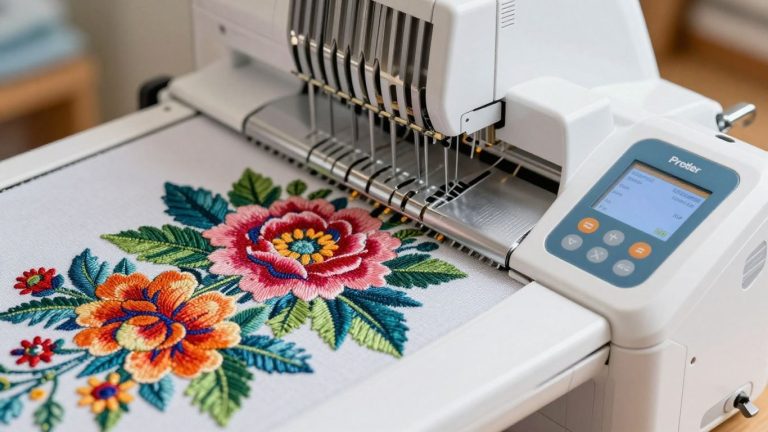
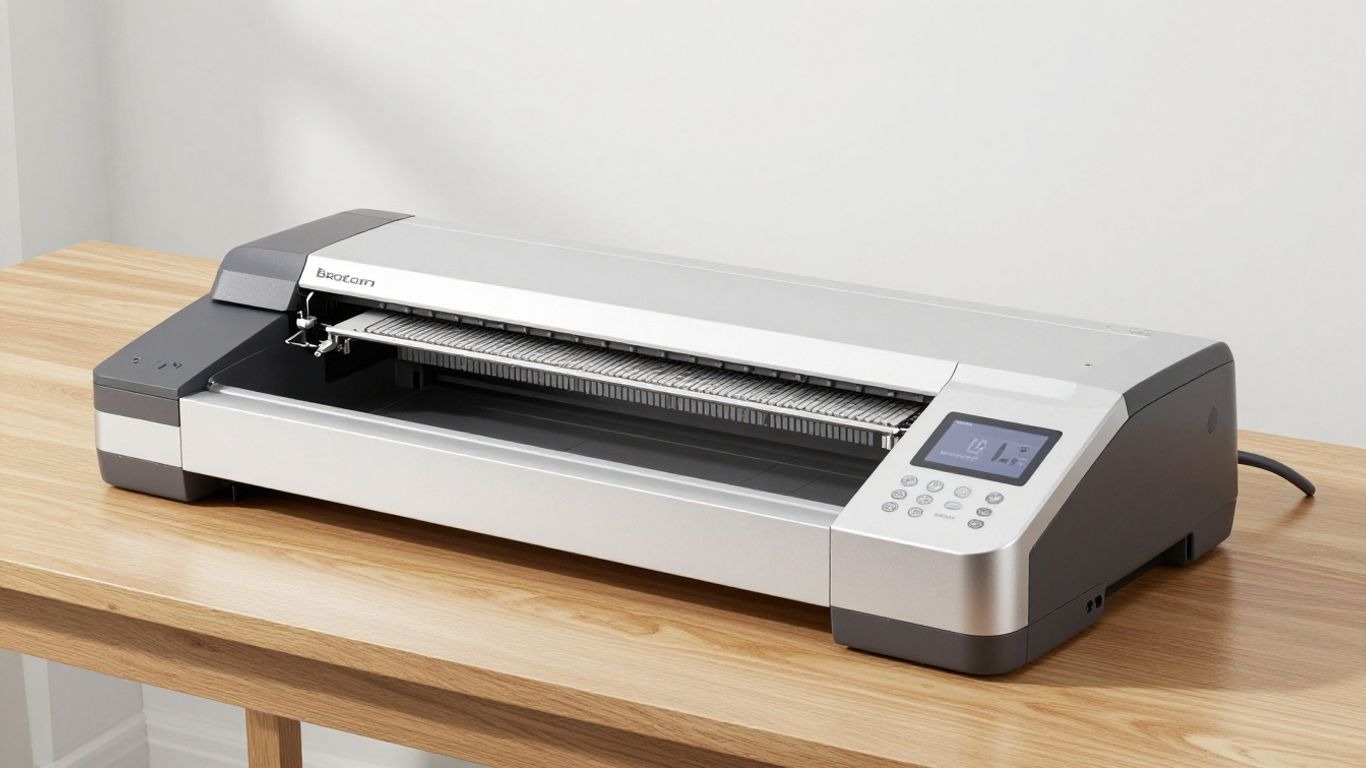
Brother NQ1700E Review Best Mid-Range Embroidery Machine in 2026
I’ve been looking into the Brother NQ1700E, and honestly, it seems like a pretty solid option if you’re into embroidery. It’s not the cheapest machine out there, but it’s not top-of-the-line either, putting it in that interesting mid-range spot.
I wanted to see what it actually offers, how easy it is to use, and if it’s really worth the money for someone like me who enjoys creative projects. This review covers what I found out about the Brother NQ1700E.
Key Takeaways
- The Brother NQ1700E is a dedicated embroidery machine with a large 6″ x 10″ hoop, making it great for bigger designs.
- It offers wireless design transfer, which is a nice touch for sending patterns from your computer without fuss.
- With 850 stitches per minute, it’s quite fast, and features like automatic thread trimming help speed things up.
- While generally user-friendly, some users have mentioned occasional reliability issues, so keep that in mind.
- It comes bundled with BES Blue software, adding extra value for design work and lettering.
Brother NQ1700E: An Overview
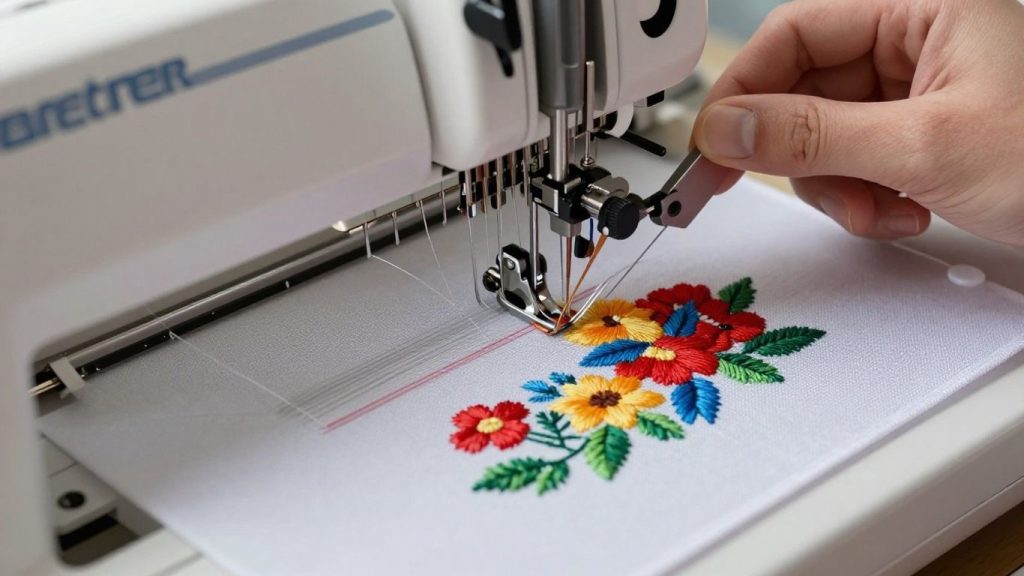
The Brother NQ1700E is smack dab in the middle where function intersects with a practical machine, and it lands easily and firmly in mid-range territory for those who only want to embroider. What makes it special is its combination of pro features with user-friendliness that makes it a strong choice for hobby stitchers and small business dreamers alike.
The first thing I noticed when I got my hands on it was the large hoop size, 6×10 inches. That means that I can get a lot of designs in, surprisingly, into a single frame, whether it’s a large statement piece on jackets or several little patches all at once. It’s just less fuss than my older, smaller hoop machines. And at 258 built-in designs and 13 alphabet fonts as well as a clear 4.85-inch color LCD touchscreen, it’s got you started with plenty of creativity without the need for loads of add-ons.
If you’re upgrading from beginner models like the Brother CS7000X review or Brother CS7205 review, this machine feels like a natural next step.
Here’s what stands out most to me in the day-to-day:
- Up to 850 stitches per minute max speed, which is, even in pressured conditions, pretty fast
- Wireless transfer made easy (I hardly look for USB sticks anymore).
- Tons of on-screen editing, resizing, rotating, and joining designs without any complicated steps.
- Access to iBroidery. com for licensed designs, right from the touchscreen.
- Automatic needle threader and drop-in bobbin to make setup less annoying.
I’ve discovered that if you’re open to learning a few fundamentals via the NQ1700E user guide and concepts, going from an entry-level model up to this one is seamlessly not intimidating. It’s less about being overwhelmed by buzzword bingo than celebrating new opportunities.
Here’s a quick look at how the NQ1700E stands up against entry-level siblings:
| Feature | Brother NQ1700E | Brother PE900 | Brother PE545 |
|---|---|---|---|
| Embroidery Field | 6″ x 10″ | 5″ x 7″ | 4″ x 4″ |
| Max Stitch Speed | 850 spm | 650 spm | 400 spm |
| Built-in Designs | 258+ | 193 | 135 |
| Touchscreen Size | 4.85″ Color | 3.7″ Color | 3.7″ Color |
Testing other machines like the SINGER SE9180 really shows how the NQ1700E’s extra workspace and speed pay off, especially if you want to experiment without running into roadblocks.
Overall, the NQ1700E embroidery machine features make it less daunting for beginners, yet still satisfying for someone with more time behind the machine. If you’re seeking a smart balance of creative freedom and straightforward setup, this model sits at a sweet spot.
Key Features and Specifications
Embroidery Area and Hoop Sizes
When I first saw the Brother NQ1700E, the first thing that jumped out at me was its embroidery area. It has a sizeable 6×10 inch area. That’s significant, especially if you’re coming from a smaller machine.
It means I can stitch larger designs or several smaller ones in one go without having to re-hoop all the time. Think large monograms on towels or even some good-sized quilt blocks. It really frees up what I can make.”
It has a sizeable 6×10 inch area. That’s significant, especially if you’re coming from a smaller machine like those discussed in best quilting sewing machine guides.
Stitch Count and Speed
It is capable of sewing 850 stitches per minute. That sounds fast, and it is! For me, this means projects happen faster. But I’ve found that speed isn’t everything. You still want to be sure that your fabric is stable and your thread is appropriate.
The hoop is suitable for that speed, but the needles can easily be broken, and will also affect the operating machine. So, while I love 850 SPM, I shoot for finding a happy medium where that speed is combined with a clean stitch.
But if you’re still mastering basics like threading, you should first review how to thread a sewing machine to avoid common mistakes.
Built-in Designs and Fonts
The NQ1700E included 258 designs and 13 fonts. These native options are a lifesaver for beginners. They’re already configured to stitch well on this machine, so you have a little less to worry about in the way of tension and stitch density.
I have used them for simple things like names on a blanket,s and they always come out looking neat. It’s a good way to at least get started before you’re trying to screw around with designs from other places.
If you’re just starting, having the right tools also matters — check out sewing kits for beginners you can buy online.
Connectivity and Software Compatibility
I really like one of the connections. You can transfer designs via Wi-Fi or a USB stick. You have the choice, which is awesome, because I like to test designs with wireless. I can edit something on the computer, wirelessly send it to a stitcher, make adjustments, and send another file back. It allows me to stay in the creative flow.” For real production loads, however, I like to use a USB key.
It seems to me to be more robust and reliable, a “master copy” of the design that won’t accidentally change or be interrupted by network problems. I do a very quick “boundary check” on the screen before hitting start to ensure that the needle won’t hit the hoop anywhere. This is an easy step to avoid a lot of headaches.
Wireless transfer is a huge plus. But understanding your machine parts also helps a lot when troubleshooting, so I’d recommend reading sewing machine parts.
Ease of Use for Beginners and Pros
When I first looked at the Brother NQ1700E, I wondered if it would be too much for someone like me, who’s still getting the hang of things, or if it would be too basic for more experienced folks. Turns out, it hits a pretty sweet spot.
Setup and Threading Process
Getting started was surprisingly simple. The automatic needle threader really is a game changer; I followed the on-screen instructions and, bam! No more squinting and fumbling! Winding a bobbin using the drop-in bobbin system is also easy. It’s one of those things that works easily without fuss, and that’s just what I need when I’m ready to hit the ground running on a project.
- Automatic Needle Threader: Makes threading the needle incredibly fast and easy.
- Drop-in Bobbin: Easy to see when you’re running low and simple to replace.
- Clear Manuals and On-Screen Guides: Help you get set up quickly.
If you’re completely new, pairing this with a beginner-friendly machine like in the SINGER HD4411 Prisma review can help you understand basics before upgrading.
Navigating the Interface
The color touchscreen is bright and quite responsive. I ended up discovering many of the features simply by tapping around. For simple things, choose a built-in design or change the size; it’s super intuitive. You can resize, rotate, and even change colors on the screen. It feels like a modern tablet, making it much less intimidating when learning the machine.
The editing tools are there for more advanced users, but don’t get in the way of simple operations. I have noticed that if I resize a design too much, it can mess with the stitch density, so I tend to keep to smaller adjustments, usually 10-20% max.
Though the device uses wireless transfer, be sure it’s compatible with whatever computer or device you’re using. The ‘Design Database Transfer’ software is only for Windows. Mac users may have to use a USB drive or the Artspira app (which carries its own pluses and minuses). Your preferred transfer may wind up being budget-busting, so always test beforehand.
The NQ1700E is also a wireless design, sending compatible, which is a welcome step up from bloody USB sticks all the time. But I’d suggest checking with your operating system in advance to confirm the exact process you should follow, just so there are no surprises. It’s better to find out in advance if you need an extra step or a different tool.
For comparison, machines like the SINGER 4452 heavy duty sewing machine review offer simpler controls but fewer advanced embroidery features.
Performance and Stitch Quality
When I got my Brother NQ1700E, the very first thing I wanted to test out was how it would cope with other different fabric types and designs. It’s supposed to run at 850 stitches per minute (SPM), which sounds fast, and, frankly, it is. But speed isn’t everything, right? For most of these projects, especially while I was feeling them out, running a little slower (maybe 600 SPM) was better. This gave me time to keep my eye out for any thread shredding or the dreaded “birdnest” underneath.
For more finicky things, such as designs with metallic threads, I definitely had to slow it down further to 400-500 SPM at times. Once I had a design that was tested and proven to run tight with minimal variation, I was able to push it into its feel-good production runs of 750-850 SPM. It’s all about striking that balance between the machine running efficiently without being overworked.
A machine, in this case, doesn’t just follow instructions. I had to learn how to “listen” to it. Anything that sounds smooth and rhythmic is good. A hard “slap” typically means that the needle is dull and should be replaced. A grinding noise? Stop right there – that is a bird nest forming. It’s as if the machine is informing you that something is amiss.
The underside of your stitching is the true measure. An ideal stitch-out should exhibit about 1/3 of the bobbin thread at the center of satin stitches, with the top being barely past wrapping around the edges. If you have a tangled mess on the back, or if the colors don’t line up, then something needs adjusting. It’s typically an easy fix, such as re-threading or adjusting the tension.
For best results, I found that understanding fabric types and machine compatibility matters a lot — something also discussed in comparisons like serger vs sewing machine.
Pros and Cons of the Brother NQ1700E
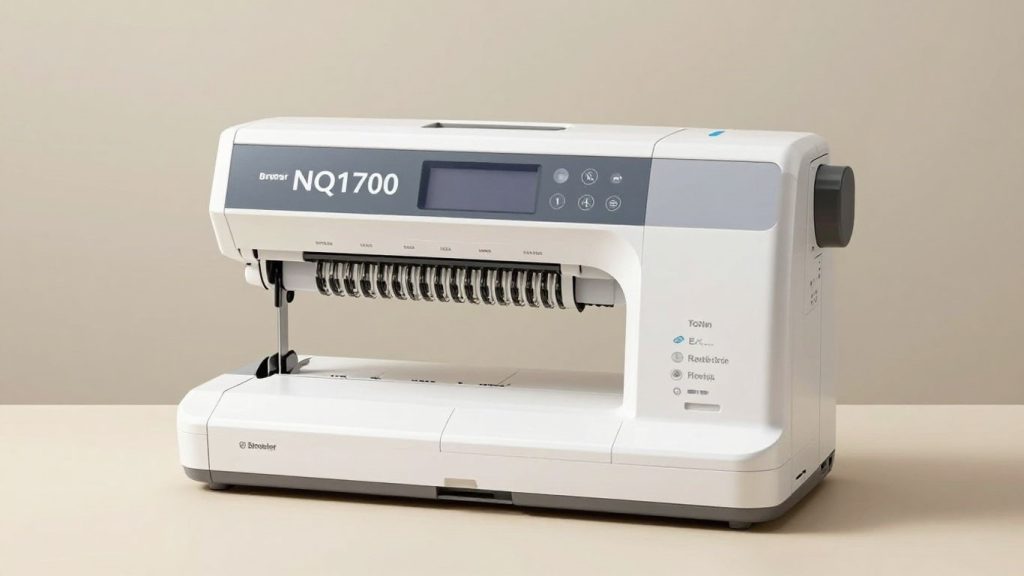
When I look at the Brother NQ1700E, I see a machine that gets a lot right, but like anything, it’s not perfect. On the plus side, the embroidery area is pretty generous at 6×10 inches. This means I can tackle bigger designs without having to re-hoop, which is a huge time saver for me.
Advantages of Brother NQ1700E
- Large 6″ x 10″ embroidery area allows bigger designs like jackets, quilts, and home décor without frequent re-hooping.
- 258 built-in designs and 13 fonts provide strong customization options for monograms and decorative embroidery.
- Wireless design transfer (WLAN) makes it easy to send PES files without a USB, improving workflow efficiency.
- 4.85″ color LCD touchscreen enables on-screen editing such as resizing, rotating, and previewing designs.
- Automatic thread cutters and needle threaders save time and reduce manual effort during projects.
Disadvantages of Brother NQ1700E
- Higher price compared to beginner machines, which may not suit casual hobby users.
- An embroidery-only machine, meaning it cannot perform regular sewing stitches.
- Learning curve for beginners, especially when working with digitized designs and stabilizers.
Who’s the Brother NQ1700E Suitable for?
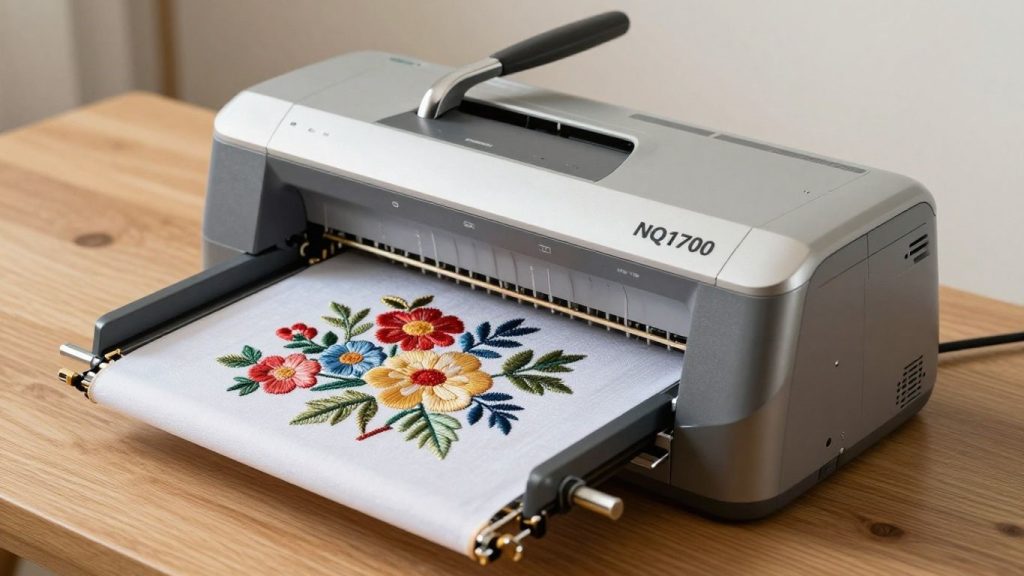
So who the heck is this Brother NQ1700E machine for? I’ve been checking it out, and it’s a pretty good deal for several different kinds of people.
It’s also perfect for small business owners or other hobbyists with experience making custom items. Stitching at a speed of 850 stitches per minute means you can do more in one day, important if you’re selling your work.
And that wireless connectivity is a big time saver. Also, being able to upload designs directly from your computer to the machine without messing with USB drives makes for a much smoother workflow. I think this could be very useful for people who do custom apparel, like personalized gifts or small batch production.
If you’re someone who enjoys DIY decor, you can use this machine for projects inspired by macrame wall hanging patterns or home styling ideas like window treatment ideas.
Here’s a quick rundown of who I think would benefit most:
- Hobbyists prepared to upgrade: If you’ve been embroidering for some time and want a bigger workspace and more high-end features without leaping into a commercial machine.
- Small business owners: Particularly those who make custom apparel, accessories, or personalized gifts, where larger designs and quicker production are an advantage.
- Craft people: Anyone who wants detailed home decor, quilt blocks, or intricate pieces of fabric art that need a larger embroidery field.
- Convenience-seeking users: The wireless design transfer and intuitive touchscreen make the creative process less of a pain.
So if you want a dedicated embroidery machine with a little more space, speed, and the ability to transfer via wireless technology, then the Brother NQ1700E is one to consider. We call it a machine that can grow with you.”
Brother NQ1700E vs. Competitors
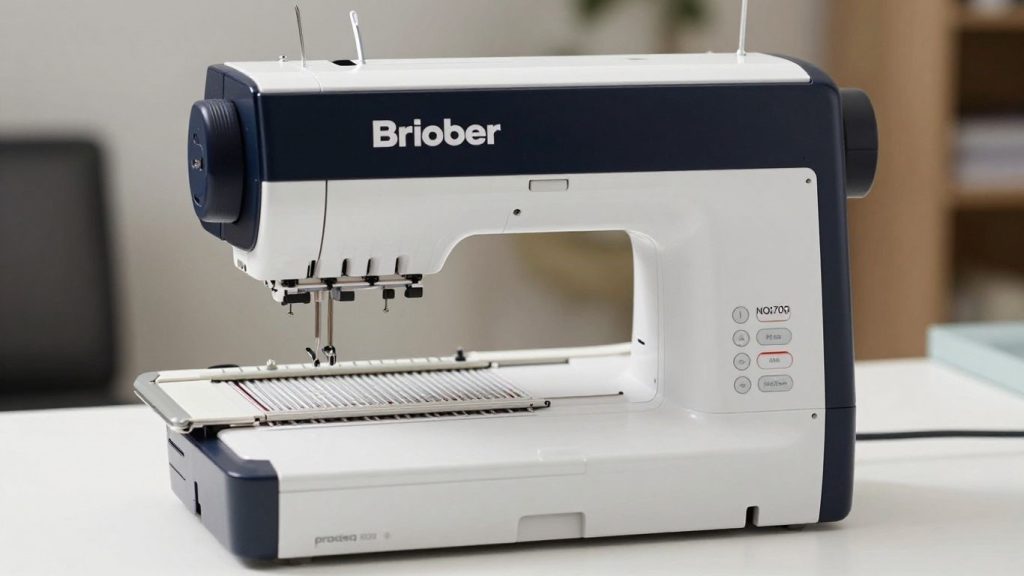
When I was looking at embroidery machines, I spent a lot of time comparing different models. It’s easy to get lost in all the specs, but I found it helpful to break down how the Brother NQ1700E stacks up against some other popular options, especially within the Brother family.
Brother NQ1700E vs Brother PE900
The PE900 is also quite popular for a good reason. It has a relatively good-sized embroidery field of 5” x 7” and a nice pace of 650 stitches per minute (spm). It also has Wi-Fi connectivity, which is a huge plus. But the NQ1700E leaves it in the dust with a 6″ x 10″ embroidery area.
That’s a boon for larger projects, such as the back of a jacket or more ornate home decor pieces. Plus, the NQ1700E is faster at 850 spm and has a bigger touch screen. For those who are more serious, though, and need more embroidery space to work with, the NQ1700E is definitely the upgrade. The PE900 is a good machine, but it reads more like an entry-level machine versus the mid-range of the NQ1700E.
| Feature | Brother NQ1700E | Brother PE900 |
|---|---|---|
| Embroidery Field | 6″ x 10″ | 5″ x 7″ |
| Max Stitch Speed | 850 spm | 650 spm |
| Built-in Designs | 258+ | 193 |
| Touchscreen Size | 4.85″ Color | 3.7″ Color |
Brother NQ1700E vs Bernette B79
Comparing the NQ1700E to something like the Bernette B79 is a little more complicated, because the B79 is a combo machine (i.e., it sews and embroiders). The NQ1700E, however, is embroidery-only. This is a key difference. The NQ1700E is designed from the ground up only for embroidery, which usually means more focused and often quieter operation. The B79 has a smaller 5″ x 7″ embroidery field as compared to the NQ1700E’s 6″ x 10″.
If you require a single machine that can sew and embroider, and are not bothered by the smaller embroidery area, the B79 may be attractive. However, if embroidery is your true love, and you’re eyeing that larger hoop, the NQ1700E will be the better dedicated choice. It really streamlined my workflow to have a dedicated embroidery machine.
Brother NQ1700E vs Janome Memory Craft 500E
Another great contender in the mid-range embroidery machine segment is the Janome Memory Craft 500E. It has the same 5″ x 7″ embroidery area as the PE900 (but smaller than the NQ1700E’s 6″ x 10″ work space. However, for me, having a larger workspace is arguably my favorite feature of this machine; I can do bigger projects without rehooping as often.
Both machines produce good stitch quality, but we find the connectivity features of the NQ1700E, from its wireless design transfer to its brand’s even more developed state-of-the-art technology, to feel just a bit fresher. Although the Janome is a nice machine, I think the NQ1700E would be a better choice because of how well it would allow you to grow your embroidery projects with its larger hoop size and more advanced features.
Ultimately, the decision between these machines is usually based on your particular needs. Do you want a large embroidery area, or are you more of a combo sewing/embroidery machine type person? The combination of a dedicated embroidery emphasis, plus the impressive 6” x 10” hoop on the NQ1700E, won out easily to fit my creative path.
If you’re exploring Janome options, reviews like Janome MC6650 review and Janome JW8100 review can give additional perspective.
My Final Thoughts on the Brother NQ1700E
So, after a lot of time with the Brother NQ1700E, I can say not only do you get a solid machine, but this is also great if embroidery is your thing. The large 6×10-inch hoop was great for larger projects, too, and the ability to send designs from Wi-Fi was nice. It sews well and has tons of built-in options to kick-start your creativity. It’s definitely an improvement from basic models, and could be perfect for a small business or dedicated hobbyist.
I did notice some users complain of occasional hiccups, though, so it’s not fully flawless. If you’re a beginner, this may seem quite a leap from the previous models, but if you want to level up your skills and take on larger designs, the NQ1700E is a machine that can grow with you. For me, at least, it’s a definite contender in the mid-range space.
For complete beginners, I’d still recommend starting small, learning basics, and then upgrading — especially after going through guides like how to learn sewing.
Frequently Asked Questions
What makes the Brother NQ1700E stand out from other embroidery machines?
The large 6×10-inch embroidery space is where I feel the NQ1700E really shines. That means I can do larger designs without re-hooping my project, which saves a ton of time. Also, its design transfer over Wi-Fi allows patterns to be sent directly from my computer to the machine.
Is the Brother NQ1700E easy to set up and use, even for someone new to embroidery?
Yes, I thought it was quite simple! The setup was straightforward, and the automatic threader makes it easy to get a needle threaded. The color touchscreen is easy to use, and Brother has good guides and tutorials available, so I felt confident diving into my first projects fairly quickly.
How does the stitch quality of the NQ1700E compare to other machines?
I’m really impressed with the stitch quality.” The machine handles beautifully, stitching at a maximum of 850 stitches per minute, and my designs appear crisp and clean. It works with different kinds of fabrics, provided I use an appropriate stabilizer.
What kind of software comes with the Brother NQ1700E, and is it useful?
Typically, they do come with BES Blue Embroidery & Lettering Software. This software was extremely useful to me. I had quite a range of fonts and designs to choose from, as well as editing features & tools for creating my own patterns. These things make the machine more powerful.
Are there any common issues or drawbacks I should know about before buying the NQ1700E?
As much as I love this machine, a few users have reported instances of hiccups here and there, such as the machine just stopping when it’s at full tilt. It’s not an ongoing issue, but it’s one thing to note. Doing regular maintenance and updates on the software appears to make a huge difference.
Who would benefit most from owning the Brother NQ1700E?
I’d say that the NQ1700E is perfectly suited for serious hobbyists or small business owners who only quilt their pieces. With its massive hoop size, high speed, and functionality, it is a great way to quickly button your own custom apparel, home decor, or gifts. If you want a machine that can adapt to your developing skills, this is a great option.